
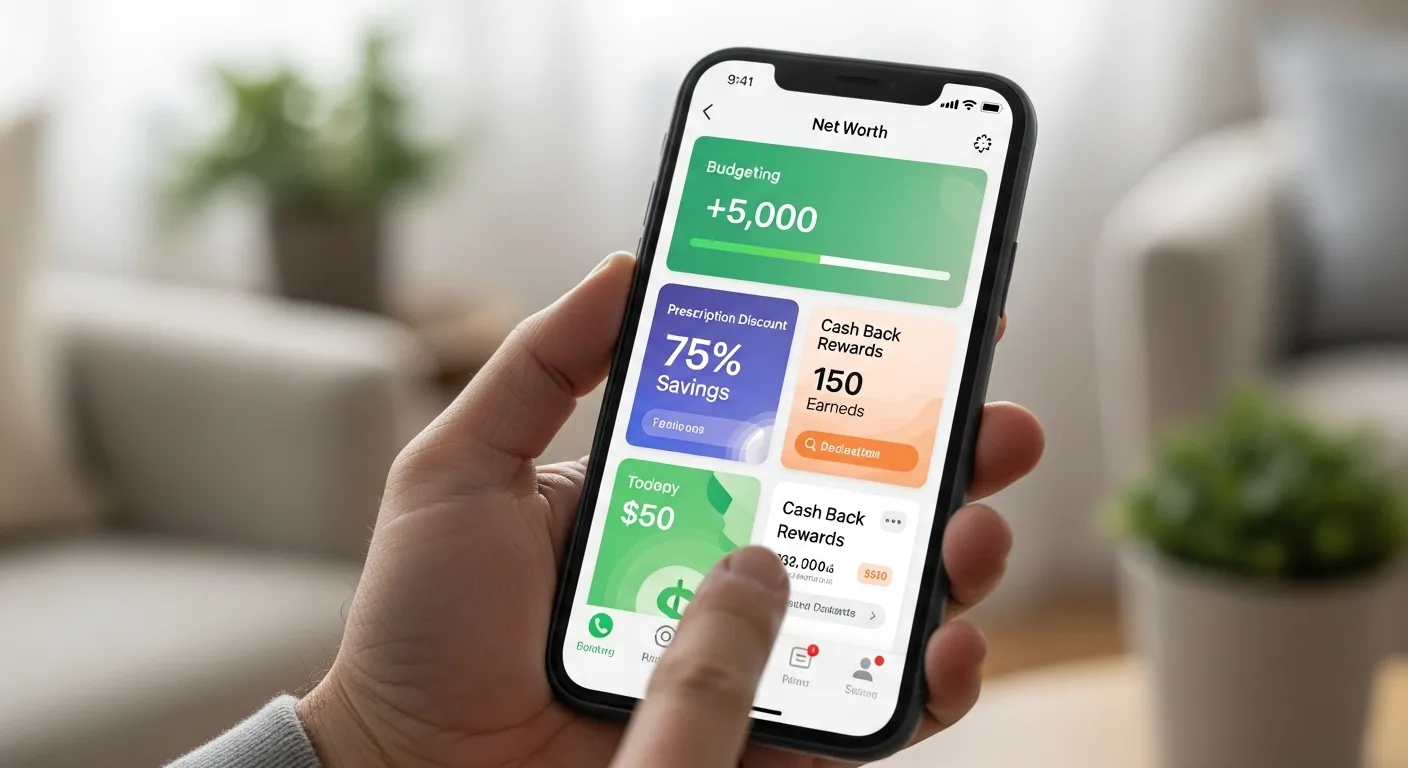
Navigating your finances in retirement can feel like a full-time job. With a fixed income, every dollar counts, and making your money stretch further is a top priority. While technology can sometimes seem overwhelming, your smartphone or tablet can be one of the most powerful senior finance tools you own. A new generation of user-friendly applications is designed to help you budget wisely, find hidden savings, and keep more of your hard-earned money.
Think of these apps as your personal financial assistants, working behind the scenes to help you manage your money with confidence and ease. From cutting down on prescription costs to earning cash back on everyday purchases, these tools are designed to be straightforward and effective. This guide will walk you through some of the very best money-saving apps for seniors, explaining what they do, why they’re helpful for you, and how you can start using them today.
This article is for informational purposes only and is not intended to be financial advice. Please consult with a qualified financial professional for advice tailored to your individual situation.

Empower Personal Dashboard for Big-Picture Budgeting
The ‘Why’: In retirement, having a clear, complete picture of your financial health is essential. You’re no longer just tracking a paycheck; you’re managing a portfolio of assets that need to last for decades. Empower Personal Dashboard (formerly known as Personal Capital) is one of the best budgeting apps for older adults because it consolidates all of your financial accounts—checking, savings, investments, retirement accounts like your 401(k) or IRA, and credit cards—into one secure, easy-to-read dashboard. This allows you to track your net worth, see where your money is going, and use their excellent retirement planning tools to project your future income.
The ‘How’:
- Get Started: You can sign up for free on their website or by downloading the app.
- Link Your Accounts: Using secure, bank-level encryption, you link your various financial accounts. Empower does not store your login credentials and uses read-only access, meaning it can see your balances and transactions but cannot make any changes.
- Use the Dashboard: Once linked, you can immediately see your net worth calculated in real-time. Explore the “Cash Flow” tool to see your monthly income and expenses categorized automatically.
- Plan for the Future: The “Retirement Planner” is a standout feature. It uses your actual financial data to run scenarios, helping you understand if your savings are on track to meet your retirement goals. It’s a powerful tool for peace of mind.
GoodRx for Significant Prescription Savings
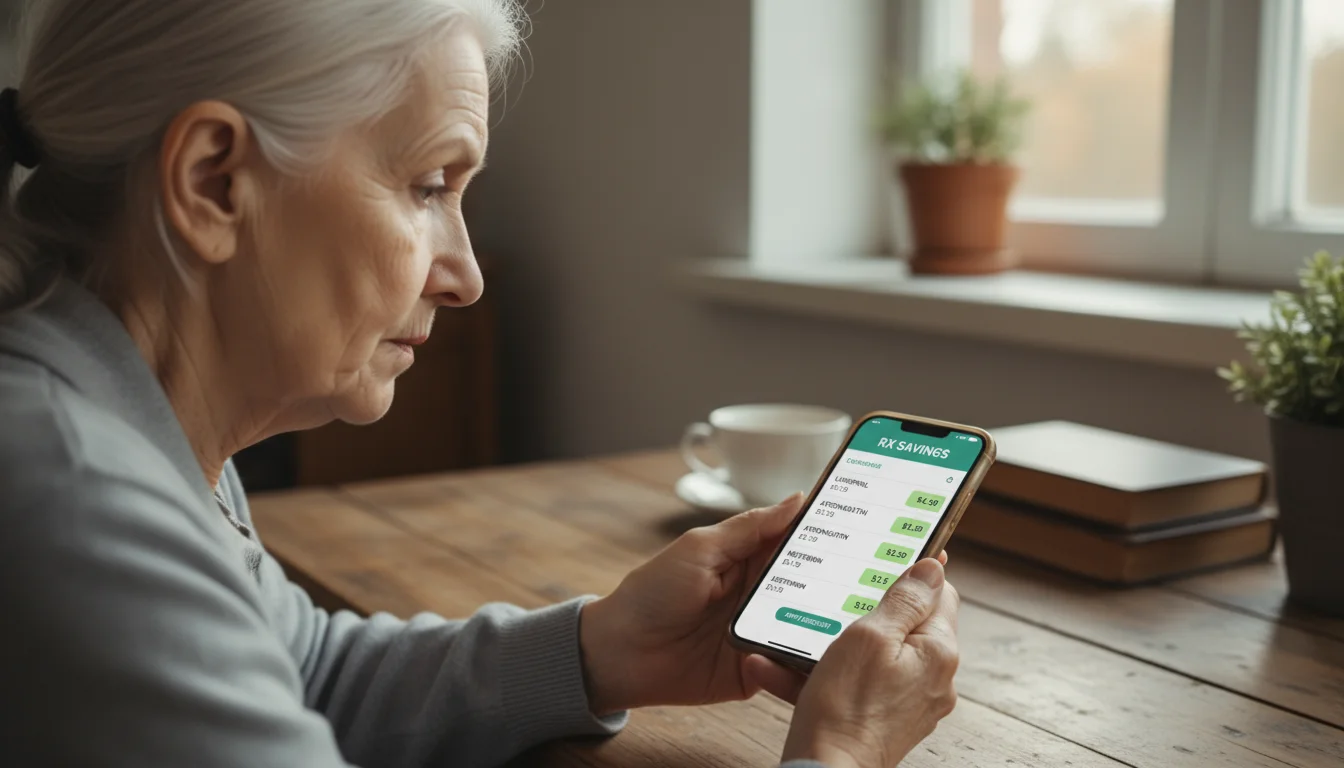
The ‘Why’: The cost of prescription medication is a major concern and a significant variable in any retiree’s budget. Prices for the same drug can vary dramatically from one pharmacy to another, even in the same town. GoodRx is a must-have app that tackles this problem head-on by finding you the lowest prices and providing free coupons. For many, this is one of the most impactful money-saving apps seniors can use, with potential savings of up to 80%.
The ‘How’:
- It’s Simple to Use: Download the GoodRx app or visit their website. You don’t even need to create an account to start searching.
- Search for Your Medication: Type in the name of your prescription drug. The app will display a list of prices at pharmacies near you, including major chains like CVS, Walgreens, and Walmart, as well as local independent pharmacies.
- Get Your Coupon: Select the coupon for the pharmacy with the best price. You can print it, email it to yourself, or simply show the coupon on your phone screen to the pharmacist.
- Present at the Pharmacy: The pharmacist will use the numbers on the coupon to process your discount. It’s important to note that GoodRx is not insurance, but in many cases, its coupon price is lower than an insurance co-pay.
Fetch for Effortless Grocery Rewards
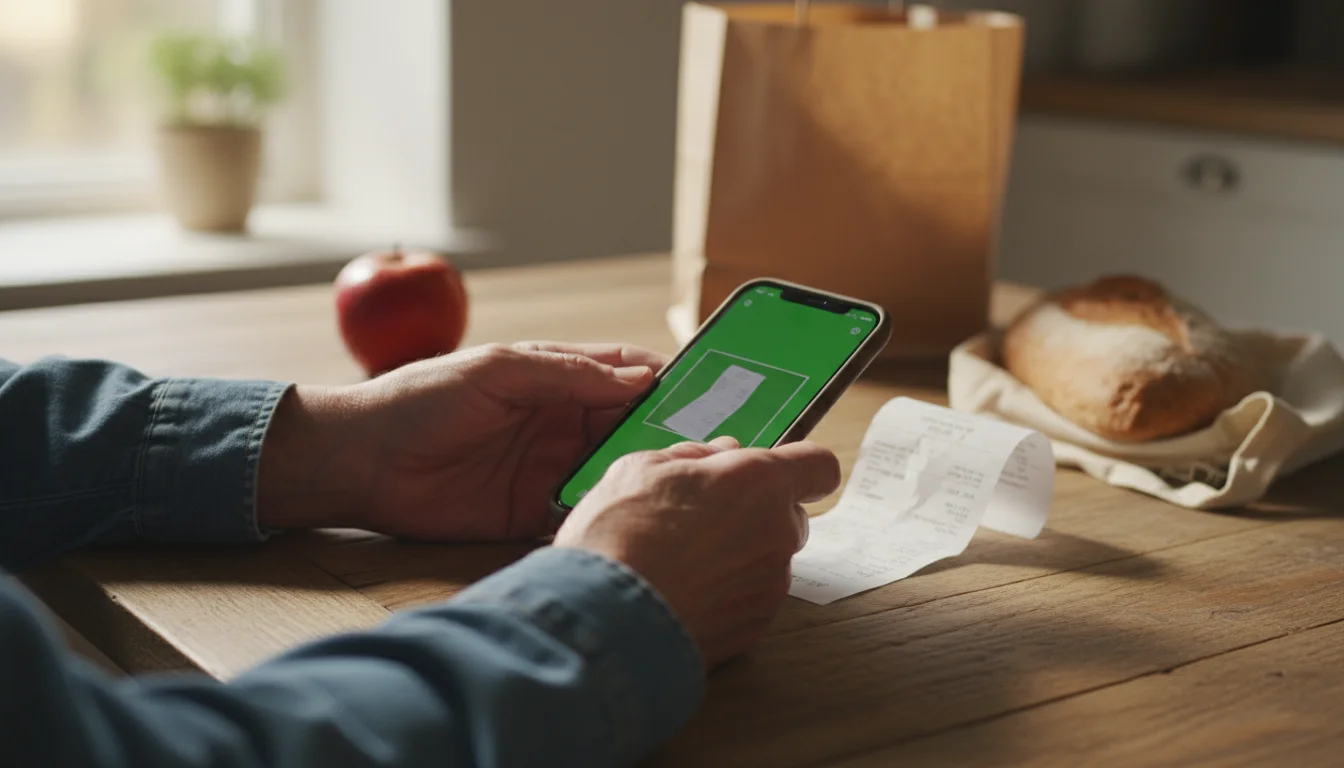
The ‘Why’: Many couponing apps require you to “clip” digital coupons or select specific offers before you shop, which can be time-consuming. Fetch simplifies the entire process. It rewards you for scanning any and all of your shopping receipts, making it one of the easiest best savings apps for the elderly. You earn points on every receipt you scan, from grocery stores to hardware stores to restaurants, which can then be redeemed for valuable gift cards.
The ‘How’:
- Download and Scan: Install the free Fetch app on your smartphone. After you go shopping, simply open the app and use your phone’s camera to take a picture of your receipt. The app does the rest.
- Earn Points: You’ll earn a base number of points for every receipt. You can earn thousands of bonus points when you purchase products from their partner brands (there are hundreds, from Cheerios to Dove soap). You don’t have to do anything special; the app automatically finds these products on your receipt and awards you the bonus points.
- Redeem for Gift Cards: Once you accumulate enough points (you can get your first reward with as few as 3,000 points), you can redeem them for gift cards to a huge variety of retailers, including Amazon, Target, Walmart, Panera Bread, and many more.

Rakuten for Automatic Cash Back on Shopping
The ‘Why’: If you do any shopping online—whether for gifts for grandchildren, household supplies, or travel—you could be leaving money on the table. Rakuten (formerly Ebates) is a leading cash-back service that gives you a percentage of your purchase price back when you shop at over 3,500 online stores. It’s essentially a loyalty program for the entire internet. This is found money; you are buying things you were going to buy anyway.
The ‘How’:
- Sign Up for Free: Create a free account on the Rakuten website or app.
- Start Your Shopping Trip: Before you shop online, your first step should always be to go to Rakuten. From their site or app, search for the retailer you want (e.g., Macy’s, Expedia, Chewy) and click the link. Rakuten will then direct you to the store’s website.
- Shop as Usual: Once you’re on the retailer’s site, you shop, add items to your cart, and check out exactly as you normally would. Rakuten works in the background to track your purchase.
- Get Paid: After your purchase is confirmed, Rakuten adds the cash-back percentage to your account. Every three months, they send you your accumulated cash back via a check (a “Big Fat Check”) or a PayPal deposit.

GasBuddy to Lower Your Fuel Costs
The ‘Why’: For seniors who rely on their cars for independence, the price of gasoline is a constant and unavoidable expense. GasBuddy is a community-powered app that helps you find the cheapest gas prices in your area in real-time. Shaving 20 or 30 cents off per gallon can add up to significant savings over the course of a year.
The ‘How’:
- Find Cheap Gas Nearby: Open the app, and it will use your phone’s location to display a map and a list of nearby gas stations, sortable by price. The prices are reported and updated by a community of millions of users, so they are generally very current.
- Plan Your Trips: Use the “Trip Cost Calculator” to estimate fuel costs for a road trip, helping you budget more effectively for travel.
- Consider ‘Pay with GasBuddy’: For additional savings, you can sign up for their free “Pay with GasBuddy” payment card. It links directly to your debit account and automatically saves you at least 2 cents per gallon on every fill-up, with special deals offering even bigger discounts. It’s not a credit card and requires no credit check.

Rocket Money to Cancel Unwanted Subscriptions
The ‘Why’: In today’s subscription-based world, it’s incredibly easy to sign up for a service and forget about it. These small, recurring charges—what many call “subscription creep”—can quietly drain hundreds of dollars from your account each year. Rocket Money (formerly Truebill) acts like a financial watchdog, identifying all your recurring bills and subscriptions so you can decide what to keep and what to cut.
The ‘How’:
- Connect Your Accounts: Like Empower, Rocket Money securely connects to your bank and credit card accounts to analyze your transaction history. It uses read-only access for your security.
- See All Subscriptions in One Place: The app’s primary feature is a clean, simple list of every recurring charge it finds, from your streaming services and newspaper subscriptions to a gym membership you no longer use.
- Cancel with Ease: If you see a subscription you no longer want, you can often cancel it directly from the app. For a fee, Rocket Money’s concierge service can even handle the cancellation process for you if it requires a phone call or mailing a letter. This feature alone can save you both time and money.

Libby for Free Entertainment and Lifelong Learning
The ‘Why’: Saving money isn’t just about cutting expenses; it’s also about finding free alternatives for things you enjoy. Books and audiobooks are a wonderful source of entertainment and mental stimulation, but the costs can add up. Libby is an app that connects you to your local library’s vast digital collection, allowing you to borrow e-books and audiobooks for free. It’s one of the best senior finance tools for enriching your life without touching your budget.
The ‘How’:
- You Need a Library Card: The only thing you need to get started is a valid library card from your local library. If you don’t have one, it’s free to sign up.
- Download the Libby App: The app is available for free on smartphones, tablets, and even some computers.
- Connect to Your Library: Open Libby and follow the simple prompts to find your library and enter your library card number. You can add cards from multiple library systems if you belong to more than one.
- Browse and Borrow: You can now browse your library’s digital catalog, place holds on popular titles, and borrow available e-books and audiobooks with a single tap. They download directly to the app for you to enjoy anytime, anywhere—all for free.
For expert guidance on senior health and finance, visit National Institute of Mental Health (NIMH), National Institutes of Health (NIH), Centers for Medicare & Medicaid Services (CMS), Social Security Administration (SSA) and Consumer Financial Protection Bureau (CFPB).
|
Fact-Checked Content
Our editorial team reviews all content for accuracy and updates it regularly. Learn about our editorial process →
|









Leave a Reply