
How to Create a Legacy Video for Your Family
Your life story is a treasure. It holds unique experiences, wisdom gained, laughter shared, and challenges overcome. Imagine the joy your grandchildren, great-grandchildren, and future generations will feel when they can hear your voice, see your expressions, and connect with your journey through a personal video. Creating a legacy video is a powerful and fulfilling project that allows you to preserve your memories, share your values, and leave an invaluable gift for your loved ones. This guide will walk you through the practical steps to record your family history for future generations, ensuring your vibrant story endures. You possess a unique perspective, and now is the perfect time to share it.
- Why Your Story Matters
- Planning Your Legacy Video: The Foundation
- Gathering Your Memories: The Heart of Your Story
- Choosing Your Tools: Technology Made Simple
- The Recording Process: Bringing Your Story to Life
- Editing and Refining: Polishing Your Gem
- Sharing Your Legacy: Ensuring It Lasts
- Beyond the Video: The Enduring Impact

Why Your Story Matters
Your life represents a unique thread in the vast tapestry of your family history. Each decision, triumph, and lesson you encountered shaped who you are and, in turn, shaped your family. This personal narrative is not just interesting, it is crucial for your descendants. They gain a deeper understanding of their roots, learn from your experiences, and feel a stronger connection to their heritage. A legacy video offers an intimate portal to your past, allowing your personality, humor, and wisdom to shine through in a way that written words often cannot fully capture.
Many seniors discover a profound sense of purpose when embarking on projects like this. You provide an anchor for your family, linking generations and offering a sense of identity. This project offers a wonderful opportunity for self-reflection and a chance to revisit cherished memories. Consider the invaluable lessons you learned about resilience, love, hard work, or even simple joys. These are the powerful insights you want to share, giving your loved ones a guidepost for their own lives. Preserving your story through a family history video offers not only a gift to them, but a fulfilling endeavor for you.
Planning Your Legacy Video: The Foundation
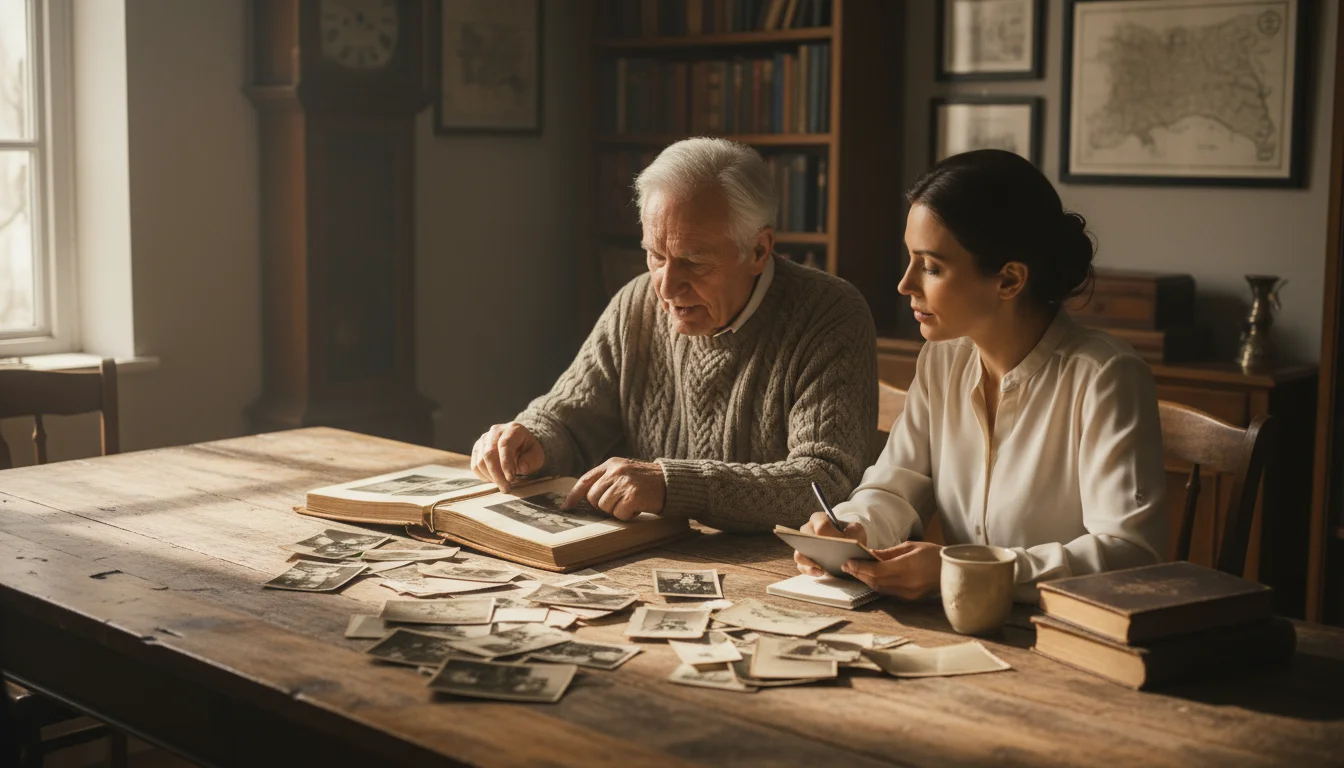
Successful projects always begin with thoughtful planning. Before you even think about hitting record, take some time to outline what you want your legacy video to achieve. This initial groundwork simplifies the entire process and helps you create a cohesive, meaningful narrative.
Define Your Audience:
Who will watch this video? Your grandchildren? Great-grandchildren? Extended family? Knowing your audience helps you tailor the content, tone, and level of detail. If you primarily address young children, you might focus on more vivid stories and simpler language. For adult family members, you can delve deeper into complex life events and share more nuanced perspectives.
Identify Key Themes and Topics:
What aspects of your life do you most want to share? You cannot cover everything, so prioritize. Consider these categories:
- Childhood and Youth: Where you grew up, favorite memories, family traditions, early schooling, significant historical events you lived through.
- Major Life Events: Marriage, having children, career milestones, moving to new places, overcoming significant challenges.
- Personal Values and Beliefs: What principles guided your life? What do you believe in most strongly? What lessons do you hope your family learns?
- Family Traditions and Stories: Share the origins of family recipes, holiday rituals, or funny anecdotes that define your family culture.
- Hobbies and Passions: What brought you joy? Did you have unique talents or interests?
- Historical Context: How did major world events, like World War II, the Civil Rights Movement, or technological advancements, impact your life and your family? Your personal account offers a living history lesson.
Decide on the Format:
There are several approaches to a legacy video:
- Interview Style: A family member or friend asks you questions. This can feel more natural and conversational.
- Monologue: You speak directly to the camera, telling your story as you would a memoir. This offers full control over the narrative.
- Documentary Style: This might involve you speaking, interspersed with old photos, home videos, and potentially interviews with other family members. This approach allows for rich visual storytelling and offers a comprehensive view of your life.
Consider Duration:
A typical legacy video might range from 30 minutes to an hour or more, depending on the depth and breadth of your story. You can also create shorter, themed videos on specific topics, like “My Childhood Memories” or “Lessons from My Career.” Many people find that shorter segments hold attention more effectively, offering easily digestible pieces of your life story.
Gathering Your Memories: The Heart of Your Story
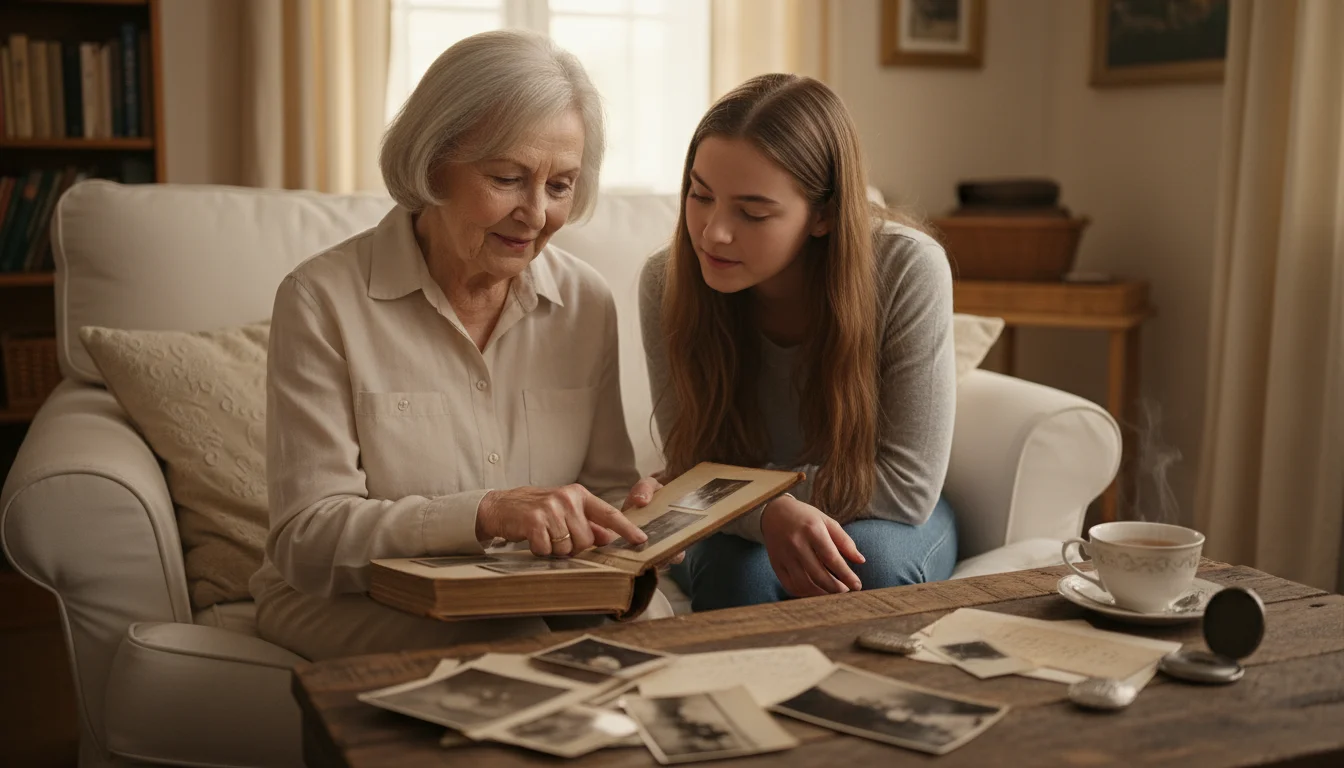
Once you have a plan, the real fun begins: digging through your past. This phase is about collecting the raw material for your video, both tangible and intangible.
Collect Tangible Mementos:
Gathering physical items helps you visualize your stories and provides rich material for your video. Look for:
- Photographs: Old family albums, loose photos, framed pictures. These are invaluable visual aids.
- Old Home Videos or Film Reels: If you have any, these offer a dynamic glimpse into the past.
- Documents: Birth certificates, marriage licenses, military records, diplomas, letters, diaries, newspaper clippings.
- Heirlooms: Jewelry, furniture, tools, or other objects passed down through generations. Discussing their origin and significance adds depth.
- Art or Crafts: If you created art or made things, share them and talk about your creative process.
Organize these items as you collect them. You might scan photos or digitize old videos to incorporate them into your final production. Services exist that help you digitize old media, or a tech-savvy family member can often assist. The National Archives provides excellent resources on preserving family history, underscoring the importance of converting fragile physical memories into more durable digital formats. The National Archives offers guidance on preserving family heirlooms.
Brainstorm Interview Questions:
Even if you plan a monologue, having a list of questions helps structure your thoughts and ensures you cover essential ground. If you choose an interview format, these questions become your script. Here is a table of question categories to inspire you:
| Category | Example Questions |
|---|---|
| Childhood & Family | Where did you grow up? What was your home like? What are your earliest memories? Describe your parents, siblings, or grandparents. What were family meals like? What traditions did you have? |
| School & Youth | What was school like for you? What subjects did you enjoy or dislike? What were your favorite games or pastimes? Who were your closest friends? What major events shaped your youth? |
| Love & Relationships | How did you meet your spouse? What do you remember most about your wedding day? What is your secret to a lasting relationship? What advice do you have about love and friendship? |
| Career & Purpose | What was your first job? What did you do for a living? What were your proudest professional accomplishments? How did your career change over time? What purpose did your work serve? |
| Life Lessons & Wisdom | What is the most important lesson you have learned in life? What challenges did you overcome and how? What advice would you give your younger self? What are you most proud of? |
| Hopes for the Future | What are your hopes and dreams for your family? What kind of world do you envision for future generations? What do you want your legacy to be? |

Choosing Your Tools: Technology Made Simple
You do not need professional equipment to create a compelling legacy video. Modern technology makes recording family history for future generations accessible and affordable. Focus on clarity of audio and video, not on expensive gadgets.
Camera Options:
- Smartphone: Your smartphone is likely capable of recording high-quality video. Ensure it has plenty of storage, and clean the lens before recording. Use the rear camera for better quality.
- Webcam: If you record at a computer, a good external webcam (often better than built-in laptop cameras) offers excellent quality for a fixed setup.
- Digital Camera/Camcorder: If you own a modern digital camera that records video, or an older camcorder, these can also work well. Practice with them beforehand to ensure you are comfortable with the settings.
Microphone:
Good audio is paramount. Viewers tolerate less-than-perfect video more easily than poor audio. Consider these options:
- Lavalier Microphone (Lapel Mic): These small microphones clip onto your clothing and connect to your smartphone or camera, providing clear, direct audio. They are relatively inexpensive.
- USB Microphone: If recording at a computer, a USB microphone offers excellent sound quality.
- Built-in Phone Microphone: If this is your only option, ensure you record in a very quiet room and speak clearly. Hold the phone closer to you if possible, but avoid shaky video.
AARP provides useful articles on using technology effectively, including tips for improving audio and video quality without complex equipment. AARP offers reviews and guides on various tech devices for seniors.
Lighting:
Natural light works best. Position yourself facing a window, ensuring the light illuminates your face evenly. Avoid having a bright window or light source directly behind you, as this creates a silhouette. If natural light is insufficient, use a soft lamp positioned slightly above and in front of you. Avoid harsh overhead lighting, which creates unflattering shadows.
Editing Software:
You need software to trim clips, add photos, and combine everything. Many free and user-friendly options exist:
- iMovie (Mac): An intuitive, powerful free program for Apple users.
- Windows Video Editor (Windows): Basic but functional, often pre-installed on Windows computers.
- DaVinci Resolve (Free version): More advanced, but offers professional features if you are willing to learn.
- Online Editors: Many web-based video editors exist, some free, for simple tasks.
For those looking for more comprehensive features or professional polish, paid options like Adobe Premiere Elements or Corel VideoStudio offer robust tools without the steep learning curve of professional-grade software. Consider a trial version to see which software suits you best. Consumer Reports regularly reviews video editing software, providing insight into user-friendly options. Consumer Reports reviews video editing software options.
Storage:
Video files are large. Plan for storage:
- External Hard Drive: A reliable way to store large files locally.
- Cloud Storage: Services like Google Drive, Dropbox, or OneDrive offer secure, accessible storage. They often include free tiers with enough space for a few videos. This also simplifies sharing your how to create a legacy video for grandchildren.

The Recording Process: Bringing Your Story to Life
This is where your planning turns into tangible memories. Approach the recording day with excitement and a relaxed attitude.
Set the Scene:
- Quiet Environment: Choose a room where you can minimize interruptions. Turn off phones, televisions, and anything else that creates background noise.
- Comfortable Setting: Sit in a comfortable chair. Ensure your backdrop is tidy and uncluttered, perhaps showcasing a few meaningful items, but avoid anything distracting.
- Stable Camera: Place your camera on a tripod or a stable surface. Avoid holding the camera yourself if you plan to be in the video, as this often results in shaky footage.
Prepare Yourself:
- Notes, Not a Script: Use your brainstormed questions or outline as a guide, but avoid reading directly from a script. Your goal is authenticity. Jot down key points or stories you want to tell.
- Practice: Do a few practice runs. Watch them back to check lighting, audio, and your comfort level on camera. This builds confidence.
- Authenticity Over Perfection: Do not worry about stumbling over words or minor imperfections. These moments often add to the charm and relatability of your story. Your genuine self is the most valuable asset.
- Dress Comfortably: Wear clothes you feel good in and that do not have distracting patterns.
Tips for Speaking on Camera:
- Speak Clearly and Slowly: Enunciate your words. There is no rush.
- Eye Contact: Look directly into the camera lens as if you are speaking to a loved one. This creates a powerful connection with your viewers.
- Embrace Emotions: Do not shy away from showing joy, sadness, or reflection. Your emotions make your story human.
- Take Breaks: If you feel tired or need to gather your thoughts, simply pause the recording and resume when ready. You can always edit out pauses later.
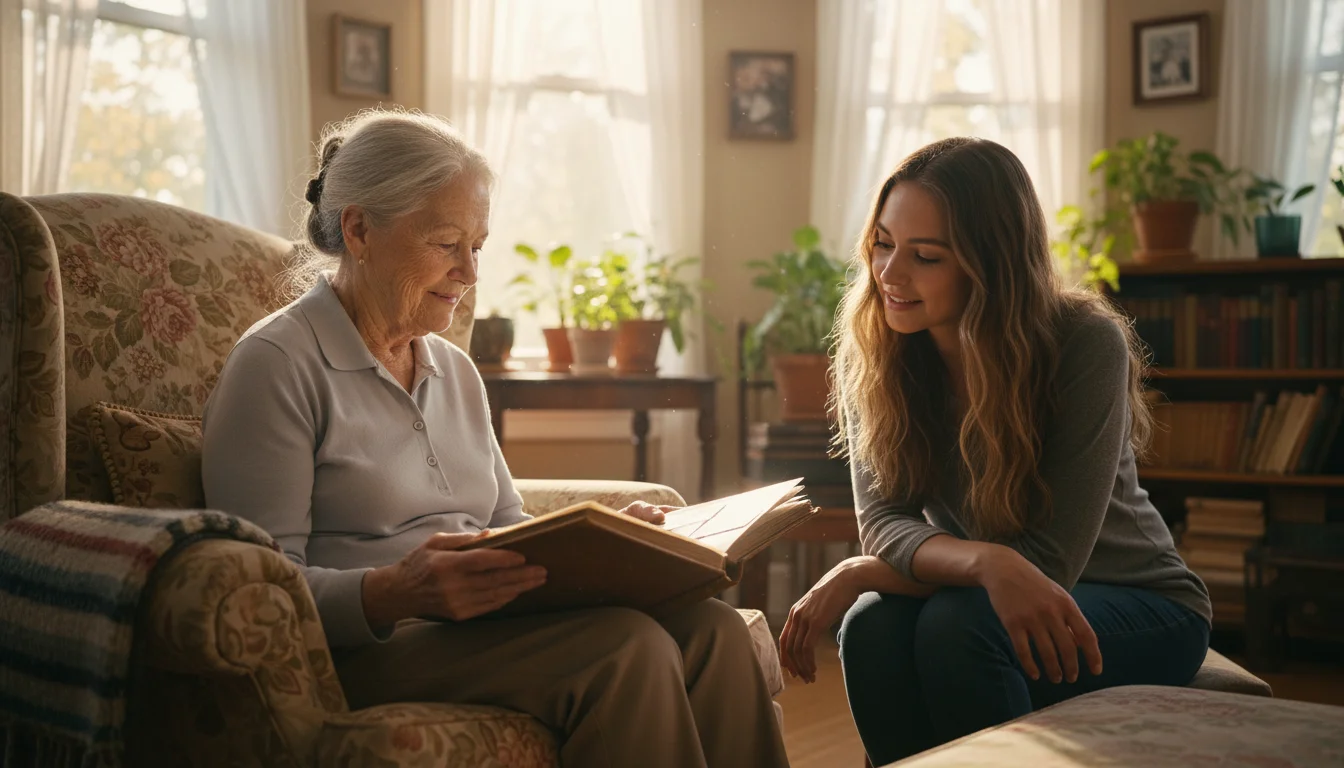
- Involve a Family Member: If an interview format appeals to you, ask a trusted family member or friend to conduct the interview. Their presence can make you feel more at ease and help prompt your memories. This also creates a shared experience, strengthening family bonds.
Editing and Refining: Polishing Your Gem
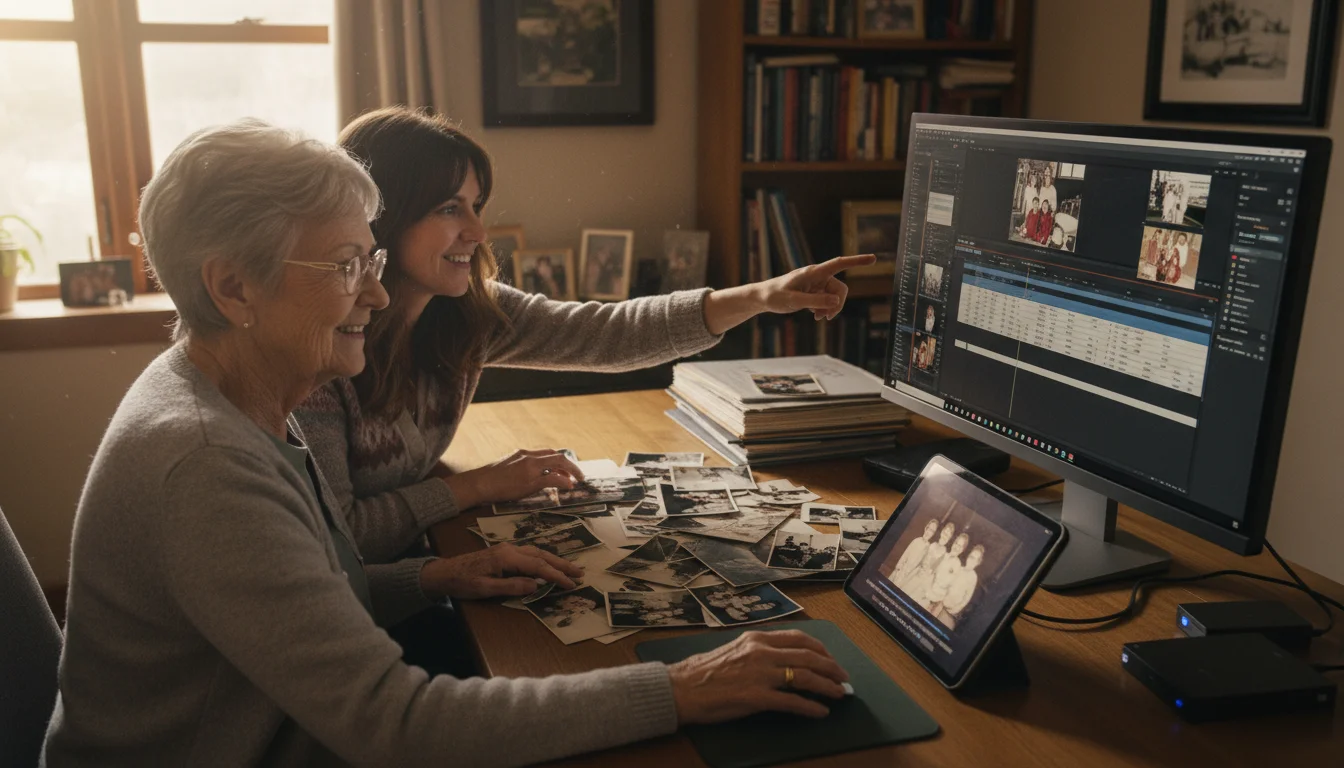
Editing transforms your raw footage into a compelling narrative. This process is where memory preservation truly takes shape, as you weave together your words with visual elements.
Basic Editing Techniques:
- Trimming and Cutting: Remove long pauses, mistakes, or irrelevant segments. Keep the pace engaging.
- Arranging Clips: Organize your video logically. Perhaps chronologically, or by theme.
- Adding Transitions: Use simple cuts or fades between clips and photos. Avoid overly elaborate transitions, which can be distracting.
Incorporating Visuals:
This is where your gathered photos, documents, and old home videos come into play. These visuals enhance your storytelling, giving context and depth to your spoken words.
- Photos: Insert relevant photos when you discuss specific events or people. You can zoom in slightly on faces or important details to guide the viewer’s eye.
- Old Videos: If you have digitized old family videos, splice in short, meaningful clips.
- Documents: Show scans of important letters or certificates to illustrate your narrative.
Music and Sound:
- Background Music: Subtly add instrumental background music to set the tone. Choose something gentle and non-distracting. Be mindful of copyright: use royalty-free music or music you have licensed. Many editing programs include a library of free-to-use tracks.
- Volume Levels: Ensure your spoken voice remains clear and prominent, with background music at a much lower volume.
Titles and Captions:
- Opening Title: A clear title, such as “My Life Story: A Legacy for My Family,” sets the stage.
- Captions: Use captions for names, dates, or locations when old photos appear. This adds valuable context for your viewers, especially for those who may not recognize everyone.
Review and Get Feedback:
Once you finish a draft, watch your entire video. Then, ask a trusted family member or friend to review it. They might catch errors you missed or suggest areas for clarification. Often, a fresh pair of eyes identifies opportunities for improvement, making your family history video even more impactful.
Sharing Your Legacy: Ensuring It Lasts
Creating your legacy video is a monumental achievement. The final, crucial step involves sharing it with your loved ones and ensuring its preservation for future generations.
Where to Share:
- Private Family Cloud Storage: Services like Google Drive, Dropbox, or a private family website provide secure and accessible locations for your video. You control who has access.
- USB Drives or External Hard Drives: Distribute physical copies to key family members. This provides a tangible backup and ensures the video exists independently of cloud services.
- Private Video Platforms: YouTube and Vimeo allow you to upload videos and set them as “unlisted” or “private,” meaning only those with a direct link or password can view them. This offers easy streaming for family members.
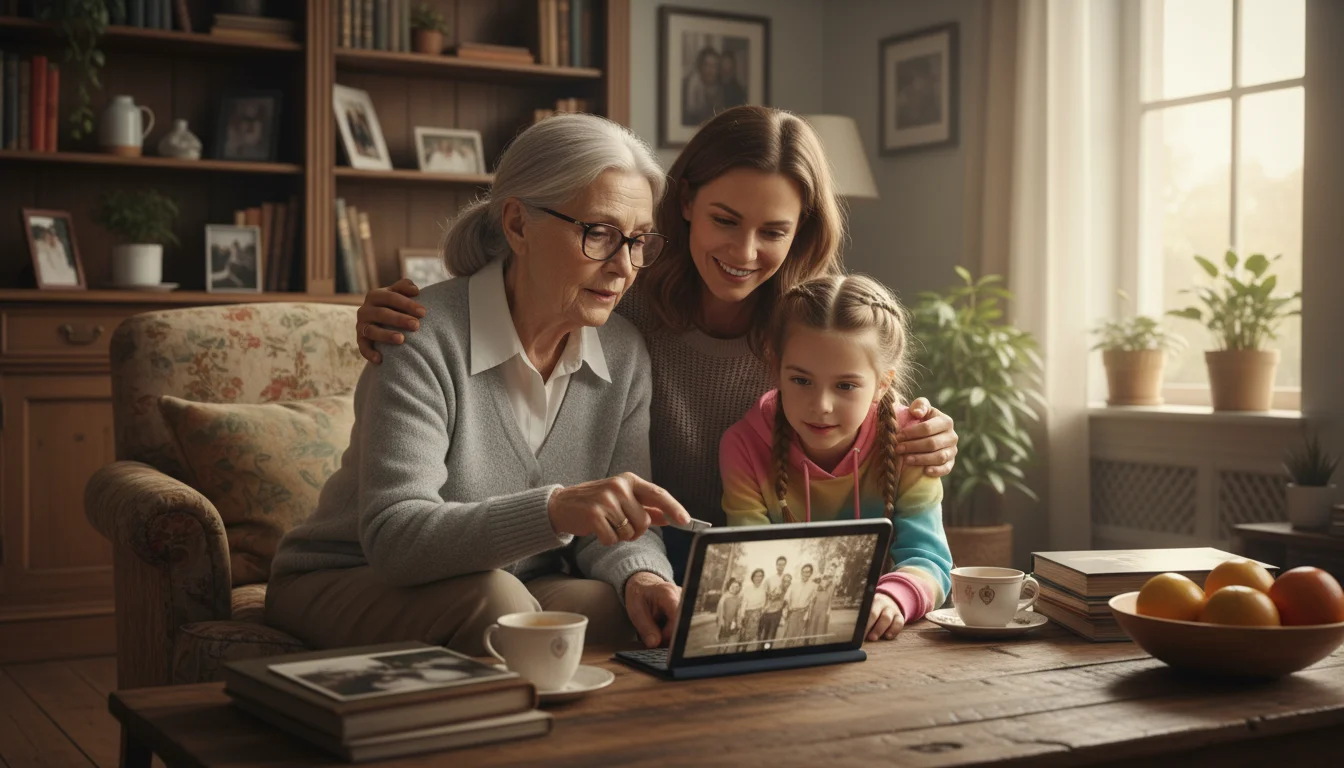
- Family Gatherings: Plan a special family viewing party. This transforms the sharing into a memorable event, fostering connection and conversation.
Explain Its Significance:
When you share your legacy video, accompany it with a brief message explaining its purpose. You might say something like, “I created this video to share my life story, our family’s history, and the lessons I’ve learned, hoping it brings you closer to your roots.” This context helps recipients understand the depth of your gift. This personal touch highlights the value of this how to create a legacy video for grandchildren.
Consider a “Living” Legacy:
Your legacy video does not have to be a one-time project. You might consider adding updates periodically, sharing new reflections, or addressing questions that arise from your family. This evolving approach makes your family history video a dynamic, ongoing connection. Perhaps you make a new video for significant anniversaries or milestones, or simply to reflect on new perspectives. The goal is continued memory preservation.
Beyond the Video: The Enduring Impact
Completing your legacy video offers immense personal satisfaction. You successfully captured a lifetime of experiences, wisdom, and love. The impact of this project extends far beyond the video itself.
The Emotional Reward for You:
Many individuals find the process of creating a legacy video deeply therapeutic and fulfilling. You reflect on your life, acknowledge your achievements, and put your experiences into perspective. This can reinforce a sense of purpose and contribute to overall well-being. It is a powerful act of self-reflection and personal storytelling.
Strengthening Family Bonds:
Your video becomes a cornerstone of your family’s identity. It provides a shared narrative that unites generations, offering common ground and sparking conversations. Grandchildren who never met certain ancestors can now “meet” them through your stories. This tangible link strengthens bonds and instills a sense of belonging. The National Council on Aging often highlights the benefits of intergenerational connection, and a legacy video serves as a perfect example of fostering these ties. The National Council on Aging discusses the benefits of social connection for older adults.
A Lasting Gift of Yourself:
Ultimately, your legacy video is a gift that keeps on giving. It is a piece of your heart, your mind, and your spirit, preserved for eternity. Long after you are gone, your voice, your laughter, and your wisdom will continue to resonate, offering comfort, guidance, and inspiration to those you love most. You provide a priceless connection to the past, a guide for the present, and a beacon for the future.
You possess an incredible story, and the time to share it is now. Do not let technology intimidate you. Start simple, focus on your narrative, and let your genuine voice shine through. This project is more than just recording family history for future generations, it is an act of love, a testament to your life, and an enduring legacy that your family will cherish forever.






Leave a Reply