
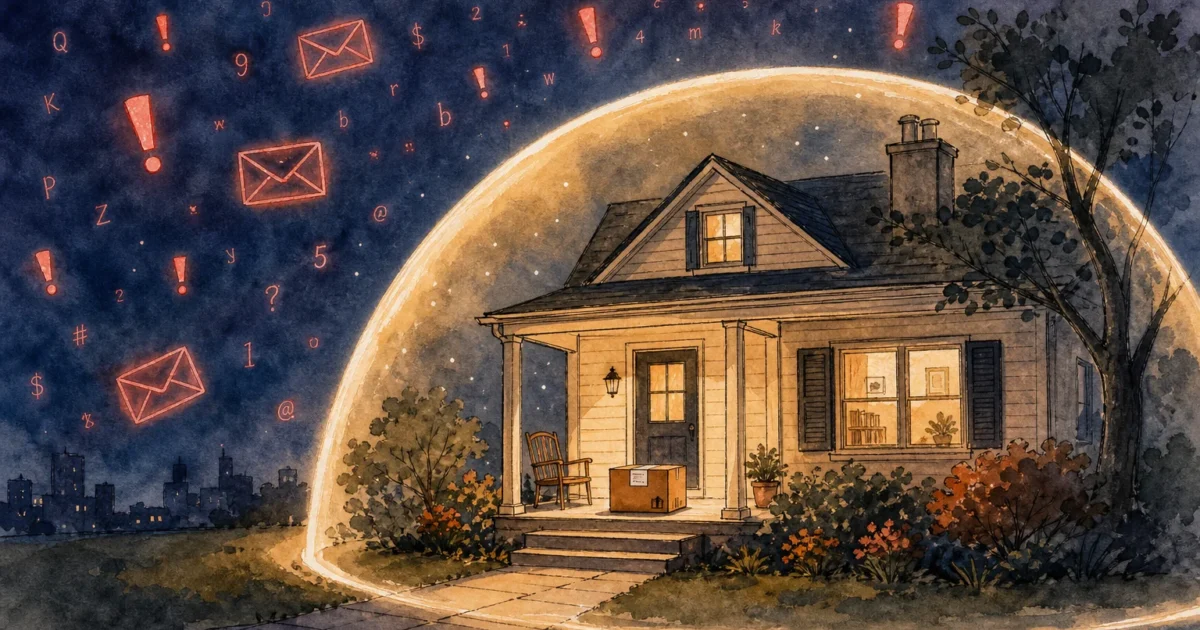
Protecting your retirement savings requires staying one step ahead of online thieves who exploit trusted brands like Amazon. Criminals constantly invent new ways to trick shoppers into revealing passwords and credit card numbers through sophisticated emails and urgent text messages. While online shopping delivers immense convenience to your doorstep, it also exposes you to a rising tide of digital fraud. You can safely navigate the digital marketplace by understanding exactly how these modern scams operate and learning the specific warning signs. Equipped with the right knowledge, you will confidently spot fake alerts, avoid malicious links, and keep your financial information completely secure.
Why Scammers Target Shoppers Like You
Online shopping has fundamentally changed how we purchase daily essentials, gifts, and electronics. Amazon leads the pack as the world’s largest online retailer, making it the perfect disguise for cybercriminals. By impersonating a company you already know and trust, scammers bypass your natural defenses. They know that an email claiming to be from an unknown company might be ignored, but an urgent message from Amazon demands immediate attention.
Older adults frequently find themselves in the crosshairs of these deceitful campaigns. Scammers operate under the assumption that seniors hold substantial retirement savings, own their homes, and possess excellent credit scores. Furthermore, criminals unfairly assume that older generations might be less familiar with the subtle technical red flags of digital deception. According to AARP, older adults lose billions of dollars annually to financial fraud, with online shopping scams representing a rapidly growing slice of that pie.
These fraudsters employ highly refined psychological tactics. They rely heavily on inducing panic. When you receive a message stating that your account has been compromised or that you owe a massive sum of money, your body triggers a fight-or-flight response. Rational thinking takes a back seat to sheer panic, which is exactly the mental state scammers need you in to execute their crimes. Understanding this emotional manipulation is your first and strongest defense against falling for their traps.
Spotting the Fake Order Confirmation
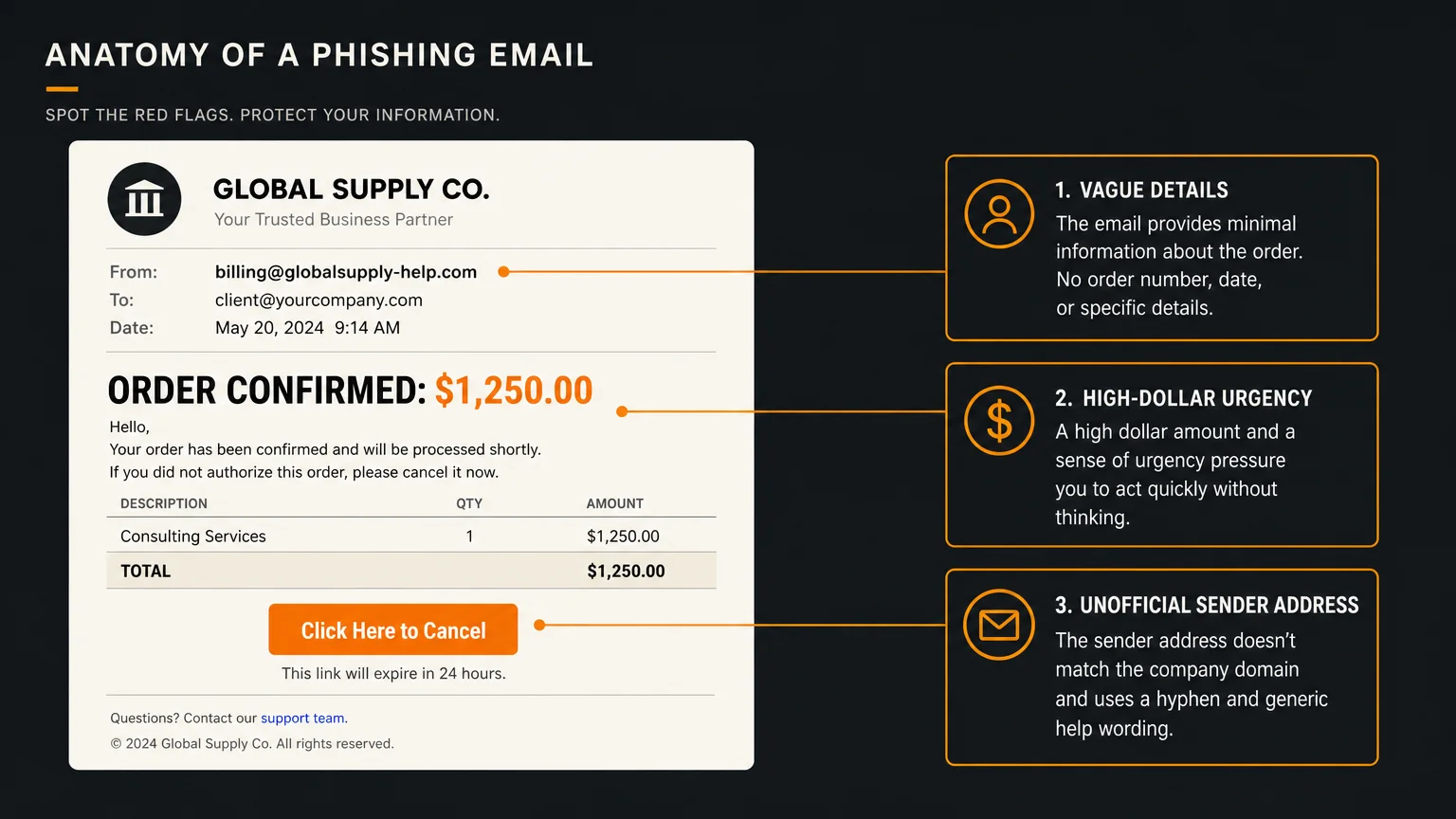
One of the most prevalent threats currently circulating involves the fake order confirmation. Also known as Amazon phishing, this scam begins when you receive an email or a text message thanking you for a recent, expensive purchase. The message might claim you recently bought a high-end laptop, a smart television, or an expensive smartphone, usually totaling several hundred or even thousands of dollars.
Because you did not make this purchase, your immediate reaction is to stop the charge. The scammers anticipate this reaction. They helpfully provide a prominent button or a customer service phone number directly within the message to cancel the order. If you click the link, you are directed to a counterfeit website designed to look exactly like the real Amazon login page. Once you type in your email and password, the criminals capture your credentials and gain full access to your actual account.
If you choose to call the phone number provided in the fake email, a professional-sounding scammer answers. They will pretend to be an Amazon representative, feign concern over the fraudulent charge, and ask you to verify your identity by providing your credit card number, banking details, or even your Social Security number.
You can identify these fake order confirmations by looking for specific warning signs:
- Check the sender address: Do not just look at the display name. Click or tap on the sender’s name to reveal the actual email address. Legitimate emails end in @amazon.com. Scammers use addresses like support@amazon-security-alerts.com or even free providers like Gmail or Yahoo.
- Hover before you click: If you are on a computer, rest your mouse cursor over any link without clicking. A small box will appear showing the actual destination website. If the web address looks like a random string of letters and numbers, it is a scam.
- Look for generic greetings: Fake emails often start with “Dear Customer” or “Dear Member.” Amazon generally uses the name associated with your account.
- Never use contact info from a suspicious message: If you are worried about an order, open your web browser, type in Amazon’s website address yourself, log in, and check your official order history. If the order is not in your history, the email is a fake.
The Gift Card Payment Trap
The gift card scam remains one of the most financially devastating tricks targeting older adults. Scammers love gift cards because they are virtually untraceable. Once the numbers on the back of the card are handed over, the money vanishes instantly, functioning much like untraceable cash.
In this scenario, you might receive a phone call from someone claiming to represent Amazon security, your local utility company, or even a government agency. The caller insists that there is a severe problem. They might claim your Amazon Prime membership is severely past due, that an illegal package was intercepted under your name, or that your computer has been hacked. The caller then offers a solution: you can resolve the issue immediately by purchasing Amazon gift cards.
The scammer will instruct you to drive to a local pharmacy or grocery store, purchase several hundred dollars in Amazon gift cards, scratch off the security coating on the back, and read the PIN codes over the phone. They will often insist that you stay on the line with them while you drive to the store, ensuring you do not have time to call a family member and realize you are being scammed.
Experts at the Consumer Financial Protection Bureau (CFPB) emphasize that no legitimate business or government agency will ever demand payment via gift cards. Amazon gift cards are solely for purchasing merchandise on the Amazon website. If anyone asks you to pay for a service, a debt, or a fine using a gift card, you are dealing with a scammer. Hang up the phone immediately.
Phony Tech Support Calls
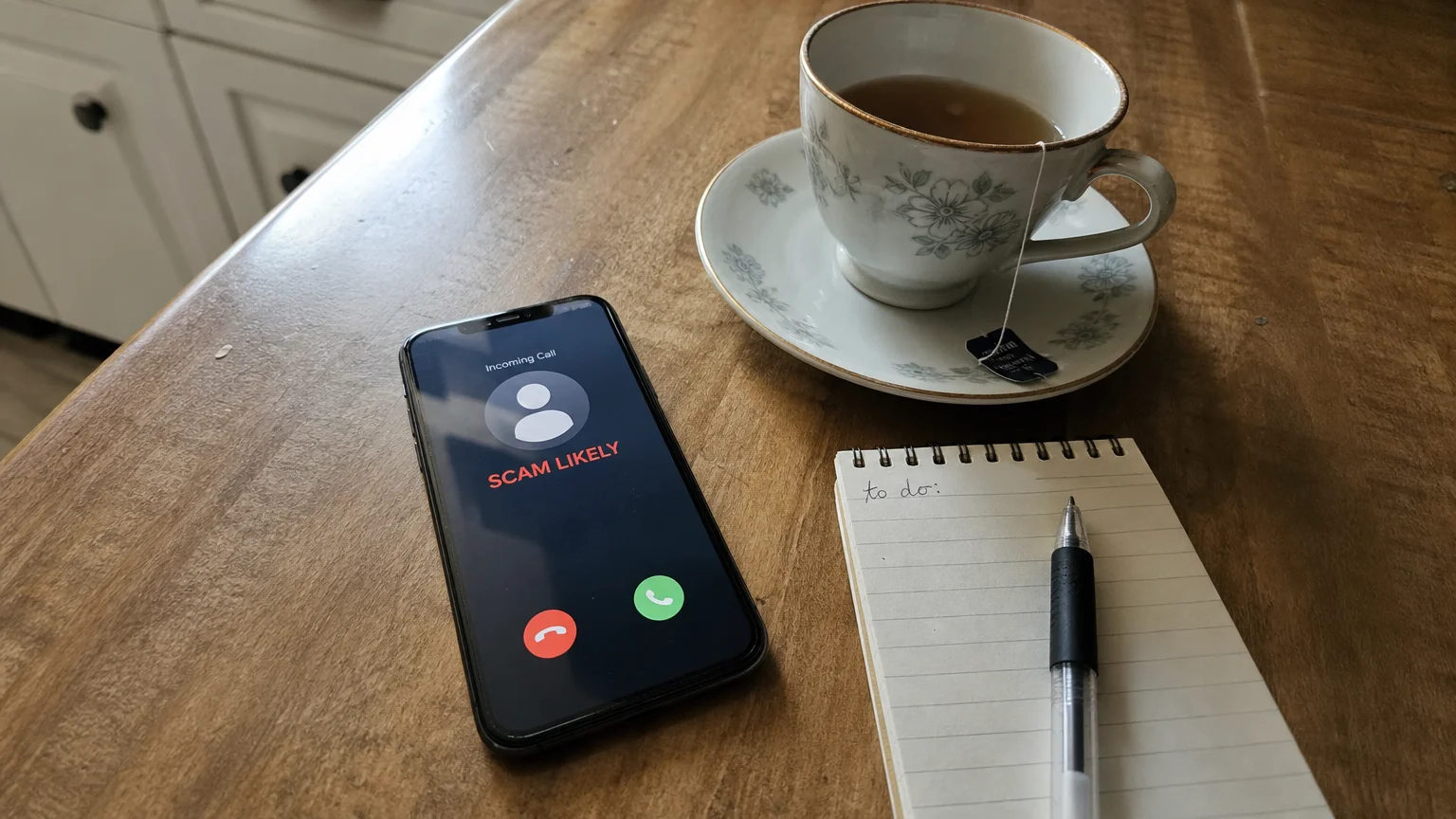
Technology can be frustrating, and scammers capitalize on our fear of computer viruses and locked accounts through phony tech support operations. This scam often starts while you are casually browsing the internet. Suddenly, a bright, flashing pop-up takes over your screen, accompanied by loud beeping noises. The message insists that your computer is infected or that your Amazon account has been suspended due to suspicious activity, urging you to call a toll-free number immediately.
When you call the number out of sheer panic, the fraudster on the other end claims to be a certified technician for Amazon or a major tech company. They speak politely and confidently, establishing a false sense of trust. They will ask you to download a software program that grants them remote access to your computer. They claim this is necessary to run a diagnostic scan or remove the virus.
Once they have remote access, they control your mouse and keyboard. They can browse your personal files, install actual malicious software, or trick you into logging into your online bank account. A common tactic involves the “accidental over-refund.” The scammer claims they are refunding you $50 for the inconvenience but purposely type $5,000. They then alter the HTML code on your screen to make it appear as though $5,000 was deposited into your checking account. Crying and begging, they tell you they will lose their job unless you immediately wire the $4,950 difference back to them.
Remember that legitimate companies do not display alarming pop-up warnings with phone numbers. If your screen locks up with a terrifying warning, do not call the number. Simply turn off your computer entirely by holding down the power button. When you turn it back on, the pop-up will usually be gone.
Navigating Third-Party Seller Scams
It is important to understand that not everything sold on Amazon actually comes from Amazon. The platform hosts millions of independent, third-party sellers. While the vast majority of these sellers are legitimate small businesses, a small fraction operates with malicious intent.
Third-party seller scams often take the form of bait-and-switch tactics or counterfeit goods. You might find a listing for an expensive name-brand product—like a designer handbag or a premium kitchen appliance—at a price that seems too good to be true. You place the order, but you receive a cheap knockoff, a completely different item, or sometimes, nothing at all.
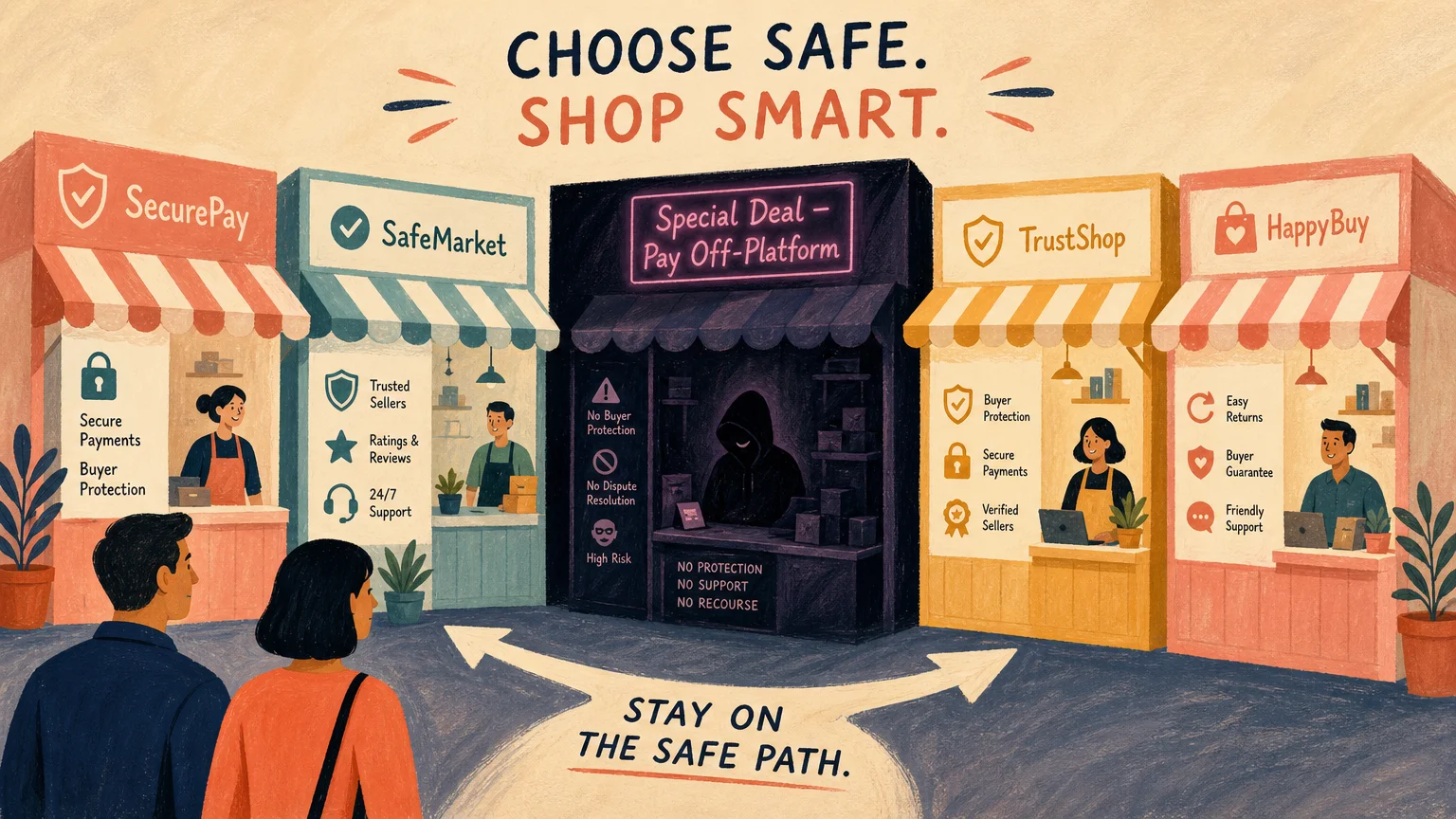
Another tactic involves fraudulent sellers asking you to complete the transaction outside of the official Amazon platform. They might send you a message asking you to pay via a direct wire transfer, a mobile payment app, or money order to save on shipping costs. The moment you move the transaction off Amazon, you lose all the buyer protection guarantees the company offers. When the item fails to arrive, Amazon cannot help you recover your money because the transaction took place outside their system.
| Feature | Safe Shopping Practices | Red Flags of a Scam |
|---|---|---|
| Payment Method | Paying directly through the Amazon checkout system using a credit card. | Seller asks for payment via wire transfer, gift card, or payment apps. |
| Product Pricing | Prices aligned with general market value and competitor pricing. | Prices dramatically lower than the standard retail cost (too good to be true). |
| Seller Reviews | A mix of detailed, realistic reviews from verified purchasers over a long period. | Thousands of five-star reviews posted within a few days, featuring broken English or vague praise. |
| Communication | All messages are sent and received through the official Amazon Message Center. | Seller asks you to email them directly or call a personal phone number. |
Essential Amazon Security Tips
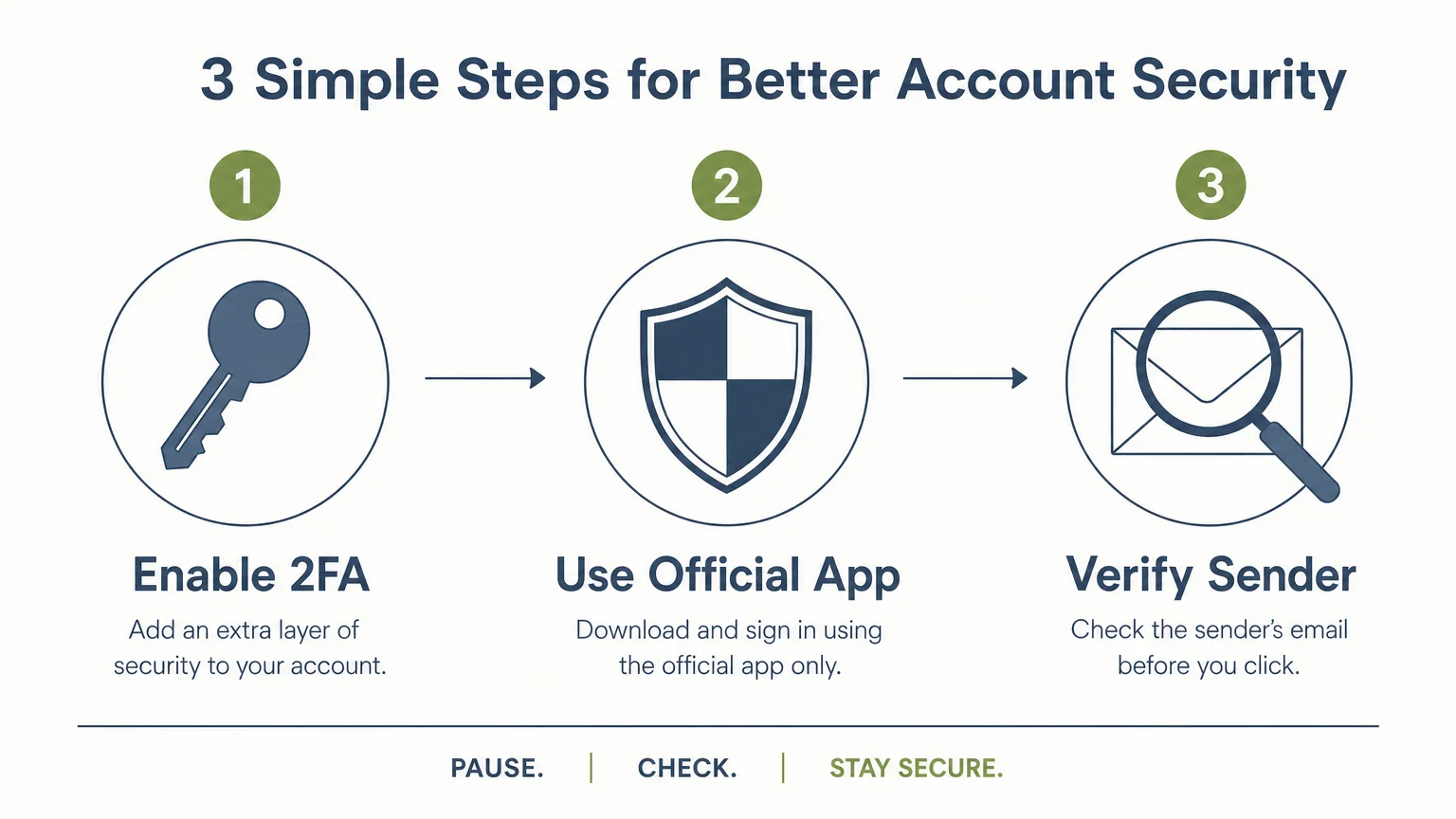
Securing your online presence does not require a degree in computer science. By taking a few straightforward, actionable steps, you can build a formidable fortress around your account and protect your personal information.
1. Turn on Two-Step Verification (2SV)
Two-Step Verification adds a second layer of security to your account. Even if a scammer steals your password, they cannot log in without this second step. When you enter your password, Amazon will send a unique, temporary code to your mobile phone. You must enter this code to access your account. To set this up, log into your Amazon account, go to Your Account, click on Login & security, and follow the prompts to turn on Two-Step Verification.
2. Create a Strong, Unique Password
Using the same password for your email, your bank, and your Amazon account is highly dangerous. If a scammer breaches one account, they gain access to all of them. Create a unique password for Amazon that incorporates a mix of uppercase letters, lowercase letters, numbers, and symbols. Consider writing your complex passwords down in a physical notebook stored safely in your home rather than relying on your memory.
3. Use the Amazon Message Center
You never have to wonder if an email from Amazon is legitimate. Amazon keeps a secure copy of every official email they send you directly inside your account. If you receive an alarming email about an order or a security breach, ignore the email. Instead, log into your Amazon account, navigate to Your Account, and click on Your Messages. If the message is not listed there, the email you received in your inbox is a scam.
4. Shop with a Credit Card, Not a Debit Card
Whenever possible, link a credit card to your Amazon account rather than a debit card tied directly to your checking account. Credit cards offer far superior fraud protection under federal law. If a scammer makes fraudulent purchases on a credit card, you can dispute the charges and you are generally only liable for up to $50. If a scammer drains your debit card, the money is gone from your actual bank account, which can cause bounced checks and missed utility payments while the bank investigates.
The Administration for Community Living (ACL) supports programs that help older adults maintain their independence and financial security, emphasizing the importance of staying informed about these digital threats and using secure payment methods.
What to Do If You Fall Victim
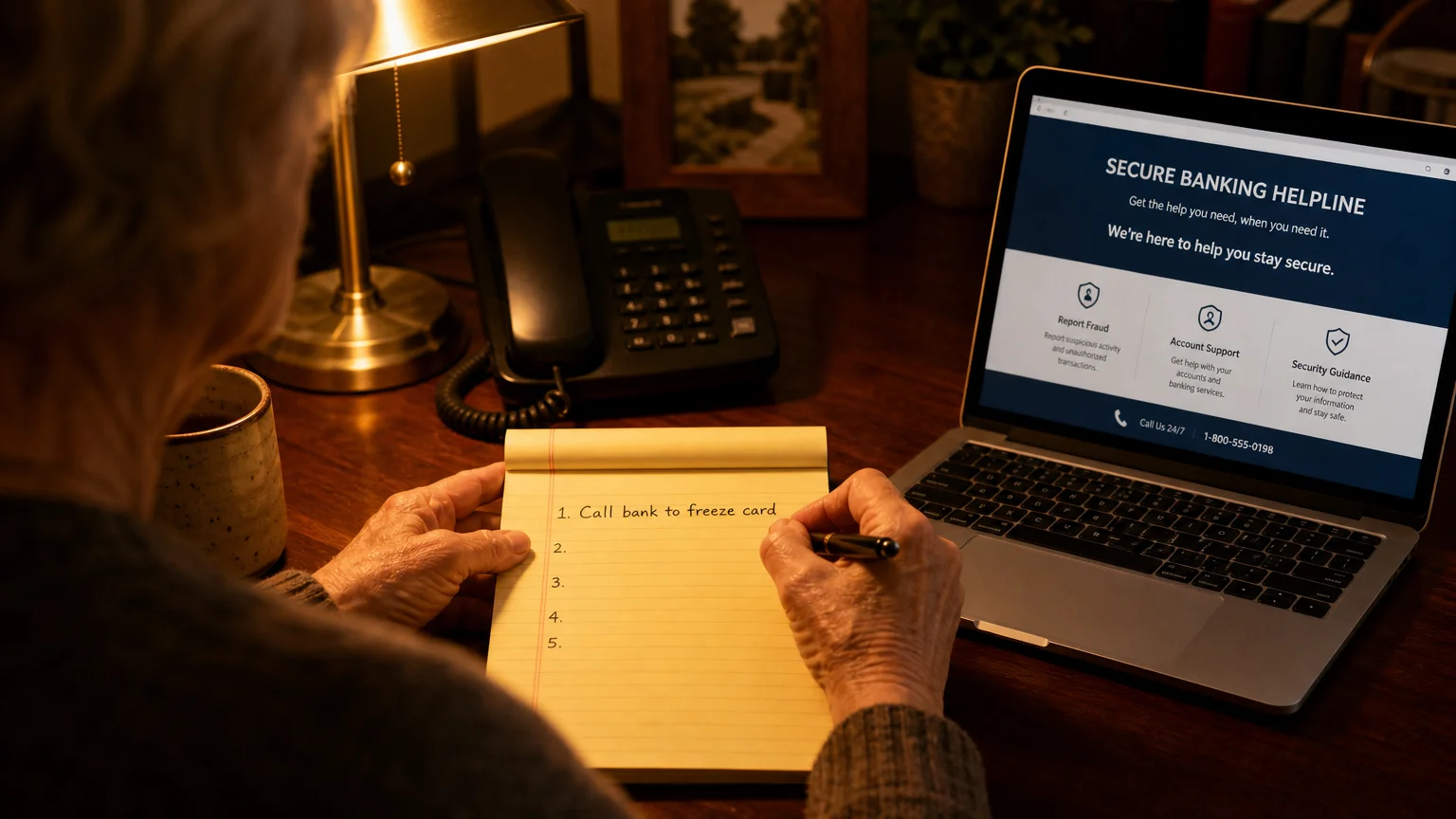
Realizing you have fallen victim to a scam brings a rush of adrenaline, embarrassment, and fear. Please understand that there is no shame in being tricked. Today’s scammers run highly organized, sophisticated operations designed to bypass human skepticism. If you suspect your account has been compromised or your money has been stolen, you must act swiftly to limit the damage.
First, secure your accounts immediately. If you can still log into your Amazon account, change your password right away. If you use that same password on any other websites, especially your email or banking sites, change those passwords as well.
Next, contact your financial institutions. Call the customer service number listed on the back of your credit or debit card. Inform them that your account information has been compromised by a scammer. They will cancel your current card, issue a new one, and help you dispute any fraudulent charges. If you gave a scammer your bank routing and account numbers, you must call your bank and potentially open a new checking account.
If you granted a scammer remote access to your computer, unplug it from the internet immediately. Do not use that computer to log into any banking or personal websites until a trusted family member or a professional computer technician has completely wiped the hard drive and removed the malicious software.
Finally, report the fraud. Forward any fake emails to Amazon’s security team at reportascam@amazon.com. You can find additional guidance and local support services through the Eldercare Locator if you need help navigating the aftermath of financial exploitation. Reporting the crime helps authorities track these criminal networks and prevents others from falling victim to the same tricks.
Frequently Asked Questions
Does Amazon ever call customers unprompted?
Amazon rarely calls customers unexpectedly. While an Amazon delivery driver might call you if they cannot find your address, corporate Amazon representatives will not call you out of the blue to ask for sensitive information, demand payment, or tell you your account is locked. If you receive an unsolicited call from someone claiming to be Amazon security, hang up immediately. It is a scam.
How can I tell if an email is actually from Amazon?
The most foolproof way to verify an email is to ignore the email entirely and check your official Amazon Message Center. Log into your account on a web browser or the official mobile app, go to your account settings, and look at your messages. If Amazon sent you an important notification about an order or security issue, a copy will always be located in that secure message center.
Will Amazon ask for my Social Security number?
No. Amazon does not need your Social Security number to process orders, verify your identity for basic shopping, or unlock a suspended account. If anyone claiming to represent Amazon asks for your Social Security number, banking PIN, or password, they are attempting to steal your identity. Refuse to provide the information and sever communication.
What happens if I accidentally click a suspicious link?
If you accidentally click a link but immediately close the window without typing in your username, password, or credit card details, your account is likely still safe. However, clicking the link confirms to the scammer that your email address is active, so you may receive more spam in the future. For peace of mind, run a thorough antivirus scan on your computer and consider clearing your browser’s cookies and cache.
Can I get my money back if I paid a scammer with an Amazon gift card?
Unfortunately, recovering funds lost through gift card scams is incredibly difficult. Once the scammer possesses the claim code on the back of the card, they transfer the value instantly, leaving no digital trail. However, you should still contact Amazon immediately and report the scam. In rare instances where the scammer has not yet drained the card, Amazon might be able to freeze the funds, though this is uncommon.
For additional senior resources, visit
National Institute of Mental Health (NIMH), National Institutes of Health (NIH), Centers for Medicare & Medicaid Services (CMS) and Social Security Administration (SSA).
Disclaimer: The information in this article is for educational purposes only and is not intended to be a substitute for professional financial, legal, or medical advice. Always consult with a qualified expert for advice tailored to your personal situation.




Leave a Reply