
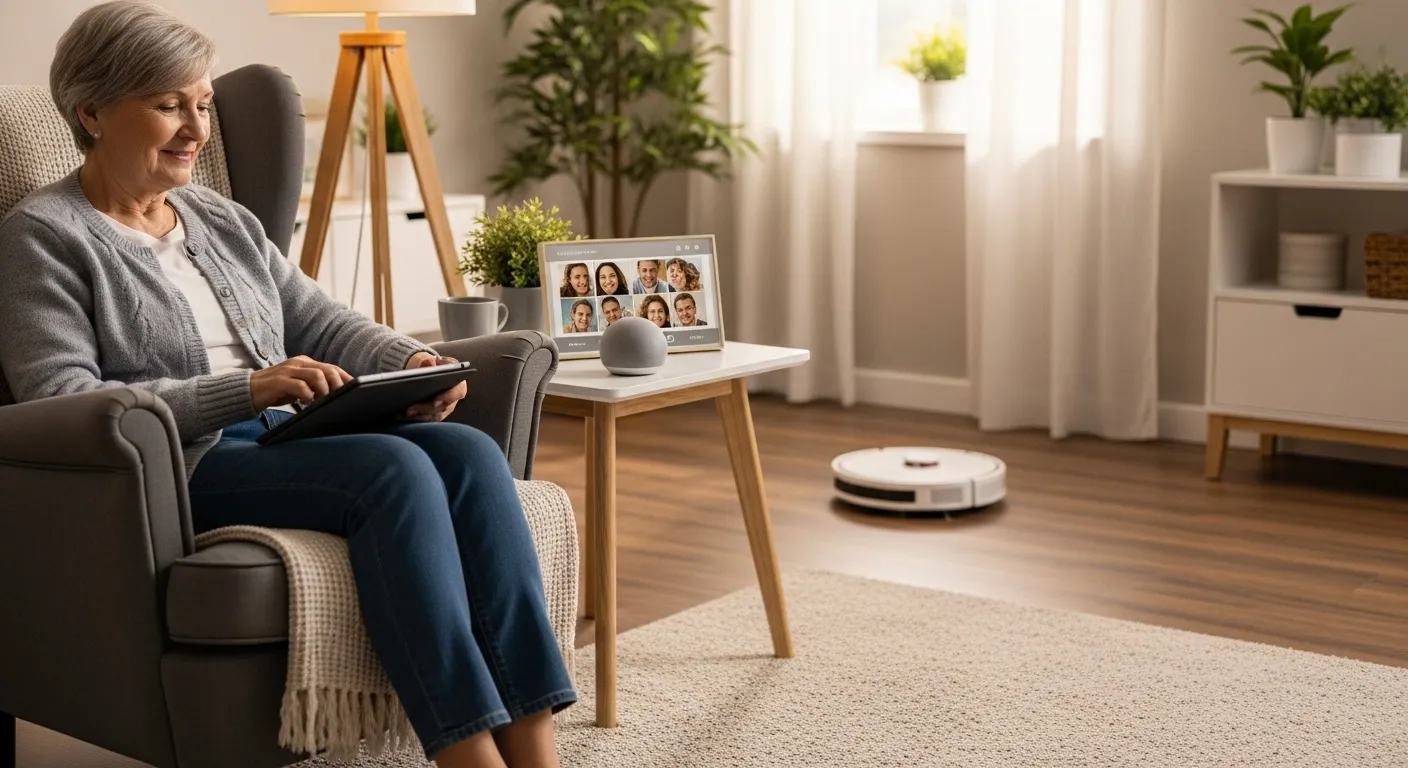

In today’s world, the word “technology” can sometimes feel intimidating. But a new generation of smart home devices is designed with a simple and wonderful goal: to make your life at home safer, more comfortable, and more connected than ever before. Think of this technology not as a complex puzzle, but as a set of friendly, helpful assistants ready to lend a hand when you need it.
Embracing a few key pieces of home tech can have a profound impact on your independence and peace of mind. From lighting your way in the middle of the night to keeping you in touch with loved ones, these tools are built for convenience. This guide will walk you through some of the most practical and senior-friendly gadgets available, explaining what they do and how you can easily get started. Let’s explore the simple home automation that can truly enhance your daily living.

Get a Helping Hand with a Smart Speaker
The ‘Why’: A smart speaker, like an Amazon Echo (Alexa) or Google Nest, is one of the easiest and most impactful entry points into the world of home technology for seniors. It’s a hands-free personal assistant that you control entirely with your voice. For anyone with mobility challenges or arthritis, this is a game-changer. You no longer need to fiddle with small buttons or type on a tiny screen. You can ask questions, set reminders, listen to music, or even call family and friends just by speaking.
The ‘How’:
- Start Small: You don’t need the largest, most expensive model. A compact Amazon Echo Dot or Google Nest Mini is affordable and provides all the core features. Place it in a central location like the kitchen or living room.
- Ask for Setup Help: The initial setup involves connecting the device to your home’s Wi-Fi network. Don’t hesitate to ask a tech-savvy child, grandchild, or friend for 15 minutes of help. They can get it connected and link any accounts you might want, like a music service.
- Practice Simple Commands: Get comfortable by asking easy questions. Try, “Alexa, what’s the weather today?” or “Hey Google, set a timer for 15 minutes.” You can also ask it to tell you a joke, play your favorite radio station, or create a shopping list that you can add to throughout the week.
- Use it for Reminders: This is one of the most powerful features. Simply say, “Alexa, remind me to take my pills at 8 AM every day,” or “Hey Google, remind me I have a doctor’s appointment on Tuesday at 2 PM.”

See Who’s at the Door with a Video Doorbell
The ‘Why’: Security and peace of mind are priceless. A video doorbell, such as those from Ring or Arlo, allows you to see and speak to whoever is at your front door without having to get up or even be home. It provides a sense of control and helps you screen visitors, from delivery people to unexpected callers, safely from your armchair or smartphone. This is an excellent tool for avoiding scams and feeling more secure in your own home.
The ‘How’:
- Choose a Model: There are both wired and battery-powered options. A battery-powered one is often easier to install if you don’t want to deal with existing doorbell wiring.
- Consider Professional Installation: While many models are designed for DIY installation, there is no shame in hiring a handyman or using the company’s professional installation service for a small fee. This ensures it’s done right.
- Connect it to Your Devices: A video doorbell sends an alert to your smartphone or tablet when it detects motion or the bell is rung. If you have a smart speaker with a screen (like an Echo Show), you can ask it to “show me the front door” for an instant, hands-free view.
- Understand the Subscription: Most video doorbells require a small monthly or yearly subscription fee to save video recordings. This is important if you want to be able to look back at who visited earlier in the day.

Light Your Way Safely with Smart Lighting
The ‘Why’: One of the biggest home safety concerns is the risk of falling, especially at night when navigating a dark hallway or room. Smart lighting is a simple and effective solution. These senior-friendly gadgets allow you to control your lights with your voice, an app, or even on a schedule, eliminating the need to fumble for a switch in the dark. It’s an easy upgrade that significantly enhances home safety.
The ‘How’:
- Begin with a Single Bulb: You don’t need to overhaul your entire house. Start by replacing the bulb in one key lamp—perhaps on your nightstand or in the hallway leading to the bathroom. Brands like Philips Hue, Wyze, or Kasa offer affordable starter options.
- Use Your Voice: If you have a smart speaker, you can connect the bulb and simply say, “Alexa, turn on the hallway light,” before you even get out of bed.
- Set a Schedule: Through the lightbulb’s simple smartphone app, you can set schedules. For example, have your living room lamp automatically turn on at sunset and off at your bedtime. This is also a great security feature when you are away from home.
- Explore Motion-Sensing Lights: For areas like bathrooms or hallways, you can also get plug-in, motion-sensing nightlights that provide a soft glow automatically when they detect you nearby.

Never Miss a Dose with an Automatic Pill Dispenser
The ‘Why’: Managing multiple medications can be complex and stressful. Forgetting a dose or accidentally double-dosing is a common concern. An automatic pill dispenser is a brilliant piece of assistive tech for seniors that takes the guesswork and worry out of medication management. It dispenses the correct pills at the correct time, often with an audible or visual alert, ensuring you stay on track with your health regimen.
The ‘How’:
- Research Your Options: There are various types, from simple pillboxes with alarms to more advanced, locked dispensers that can notify a family member if a dose is missed. Look at brands like Med-E-Lert, LiveFine, or Hero Health.
- Ask for Loading Help: The most important step is correctly loading the dispenser. Have a family member, caregiver, or pharmacist help you fill the dispenser for the week or month to ensure every pill is in its correct slot.
- Choose Your Alert Style: Most dispensers use a combination of a flashing light and a beeping sound to let you know it’s time for your medication. Find one with alerts that are easy for you to see and hear.
- Consider a “Smart” Model: Some advanced dispensers connect to an app on a family member’s phone, sending them a notification if you miss a dose. This can provide peace of mind for both you and your loved ones.

Stay Connected with a Digital Photo Frame
The ‘Why’: Feeling connected to family and friends is vital for emotional well-being. A digital photo frame is a heartwarming piece of technology that acts as a living photo album. It sits in your home and displays a constantly updated slideshow of pictures sent directly from your loved ones’ phones, no matter where they are in the world. It’s a passive, beautiful way to feel included in daily life and see new photos of grandchildren, pets, and family adventures without needing to navigate social media.
The ‘How’:
- Choose a User-Friendly Frame: Brands like Aura, Skylight, and Pix-Star are known for their simplicity. The key is to find one that is easy for your family to send photos to.
- Let Family Do the Setup: The person who gifts you the frame should handle the initial setup, which involves connecting it to your Wi-Fi. They can also pre-invite all the family members who will be sending photos.
- Place it Prominently: Put the frame where you will see it often, like on a kitchen counter, an end table in the living room, or a bookshelf.
- Enjoy the Show: Your only job is to enjoy the new memories as they appear. It’s a wonderful conversation starter when friends visit and a constant, loving reminder of your family.
Reduce Physical Strain with a Robot Vacuum
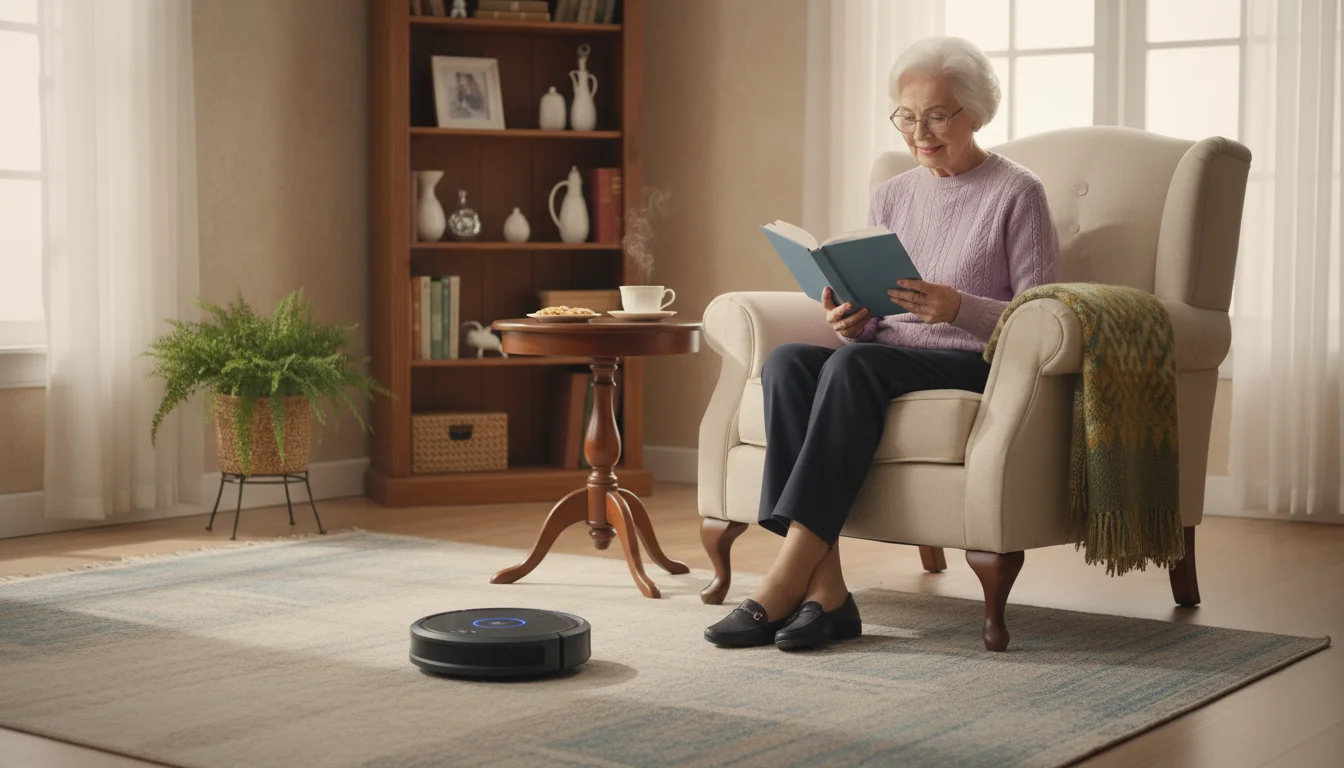
The ‘Why’: Pushing a heavy, corded vacuum cleaner around is a strenuous chore that can be difficult or even risky for those with back pain, balance issues, or limited energy. A robot vacuum automates this task, keeping your floors tidy with minimal effort on your part. It navigates around furniture on its own, picking up dust, pet hair, and crumbs, which contributes to a cleaner, healthier, and more pleasant living environment.
The ‘How’:
- Find the Right Model for Your Floors: Most robot vacuums work well on both hard floors and low-pile carpets. If you have thicker carpets, look for a model with stronger suction. Brands like Eufy are known for being quiet and affordable, while iRobot’s Roomba is a classic choice.
- Set a Schedule: Once set up, you can schedule the vacuum to run automatically on certain days and at certain times, such as when you’re out of the house or reading in your favorite chair. Many can be started with a simple button press on the device itself.
- Minimal Maintenance: The only ongoing task is to empty the small dustbin every few runs, which is far easier than changing a large vacuum bag. Some higher-end models even come with a self-emptying base station.
- Prepare Your Space: Before running the vacuum, do a quick check for small items on the floor like charging cords or shoelaces to prevent it from getting stuck.

Never Lose Your Keys Again with an Item Finder
The ‘Why’: It’s a small frustration, but one that can derail your day: misplacing your keys, glasses case, or the TV remote. An item finder is a tiny, simple gadget that solves this problem instantly. These small Bluetooth trackers attach to your important items and help you locate them in seconds using a sound alert, saving you time and reducing stress.
The ‘How’:
- Pick a Tracker: Tile and Chipolo are popular brands that work with both Apple and Android phones. If you have an iPhone, Apple’s AirTag is a seamless option.
- Attach it to Your Items: The trackers are small and lightweight. You can slip one onto your keychain, use an adhesive sticker to attach one to your remote control, or tuck one inside your purse or wallet.
- Use the App to “Ring” Your Item: When an item is lost, you simply open the corresponding app on your smartphone or tablet and tap a button. The tracker will play a loud sound, leading you right to it.
- Find Your Phone, Too: Many of these trackers work in reverse. If you have your keys but can’t find your phone, you can press a button on the tracker to make your phone ring, even if it’s on silent.
Adopting new home technology doesn’t have to be an overwhelming process. The key is to start with one or two devices that solve a specific problem for you, whether that’s improving safety, making a chore easier, or helping you feel more connected. These senior-friendly gadgets are designed to fit into your life, not complicate it. By taking that first small step, you can unlock a world of convenience and enjoy greater independence and peace of mind in the home you love.
|
Fact-Checked Content
Our editorial team reviews all content for accuracy and updates it regularly. Learn about our editorial process →
|







Leave a Reply