

Your online Social Security account provides immediate access to essential retirement tools. Managing your benefits online saves countless hours waiting on hold or visiting local offices.
Many retirees assume the portal becomes useless once monthly checks start arriving. In reality, your online dashboard contains powerful tools that protect your income and simplify your annual taxes.
Learning to navigate these features puts you in complete control of your financial security. Here are seven overlooked tools inside your account and how to use them today.
In this guide13 sections
- Why Your Online Portal Matters in Retirement
- Feature 1: Early Access to Annual COLA Notices
- Feature 2: Instant Benefit Verification Letters
- Feature 3: Advance Designation of Representative Payees
- Feature 4: Downloadable Replacement Tax Forms (SSA-1099)
- Feature 5: Direct Deposit and Bank Detail Management
- Feature 6: Auditing Your Post-Retirement Earnings Record
- Feature 7: Paperless Preferences and Identity Protection
- Navigating Login.gov, ID.me, and Account Access
- Routine Checklist for Account Maintenance
- Online Portal vs. Phone and Field Office Support
- Protecting Yourself from Social Security Scams
- Frequently Asked Questions
Why Your Online Portal Matters in Retirement
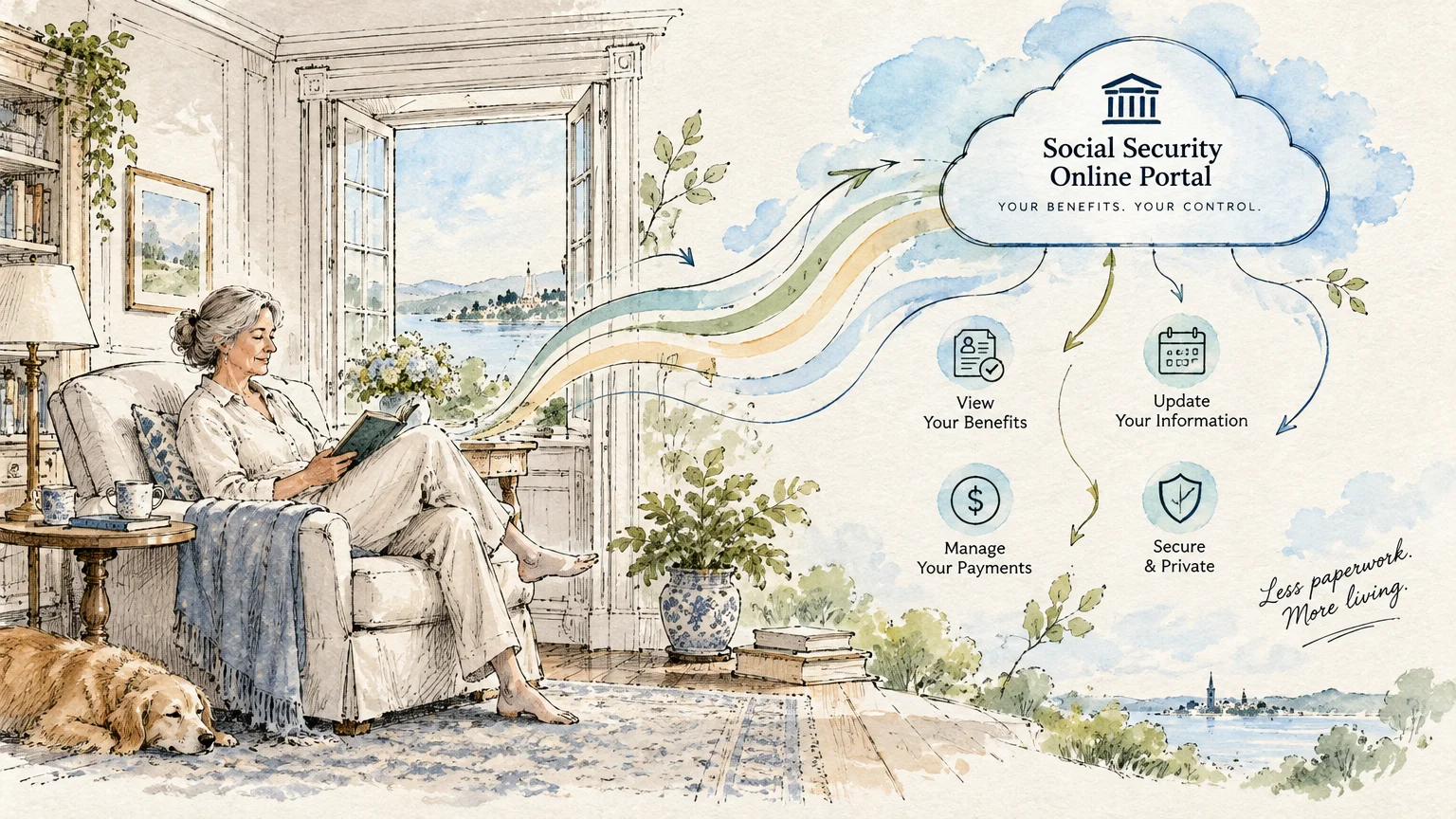
Many retirees believe a my Social Security account is only useful for claiming initial benefits. That misconception causes many people to overlook valuable self-service options.
Your digital profile acts as a personal command center throughout your retirement years. It allows you to monitor monthly deposits, review official notices, and guard against fraud.
According to the Social Security Administration (SSA), millions of beneficiaries manage their monthly benefits online each year. Doing so eliminates processing delays and puts you in control of your financial records.
Using the portal saves you from waiting on hold or making trips to crowded field offices. A few clicks allow you to solve issues from the comfort of home.
Taking full advantage of these features ensures you never miss critical updates regarding your monthly income. It also gives you total visibility over your lifetime government benefits.
Feature 1: Early Access to Annual COLA Notices
Every autumn, retirees eagerly anticipate the annual Cost-of-Living Adjustment (COLA) announcement. This adjustment increases your monthly payment to help you keep pace with inflation.
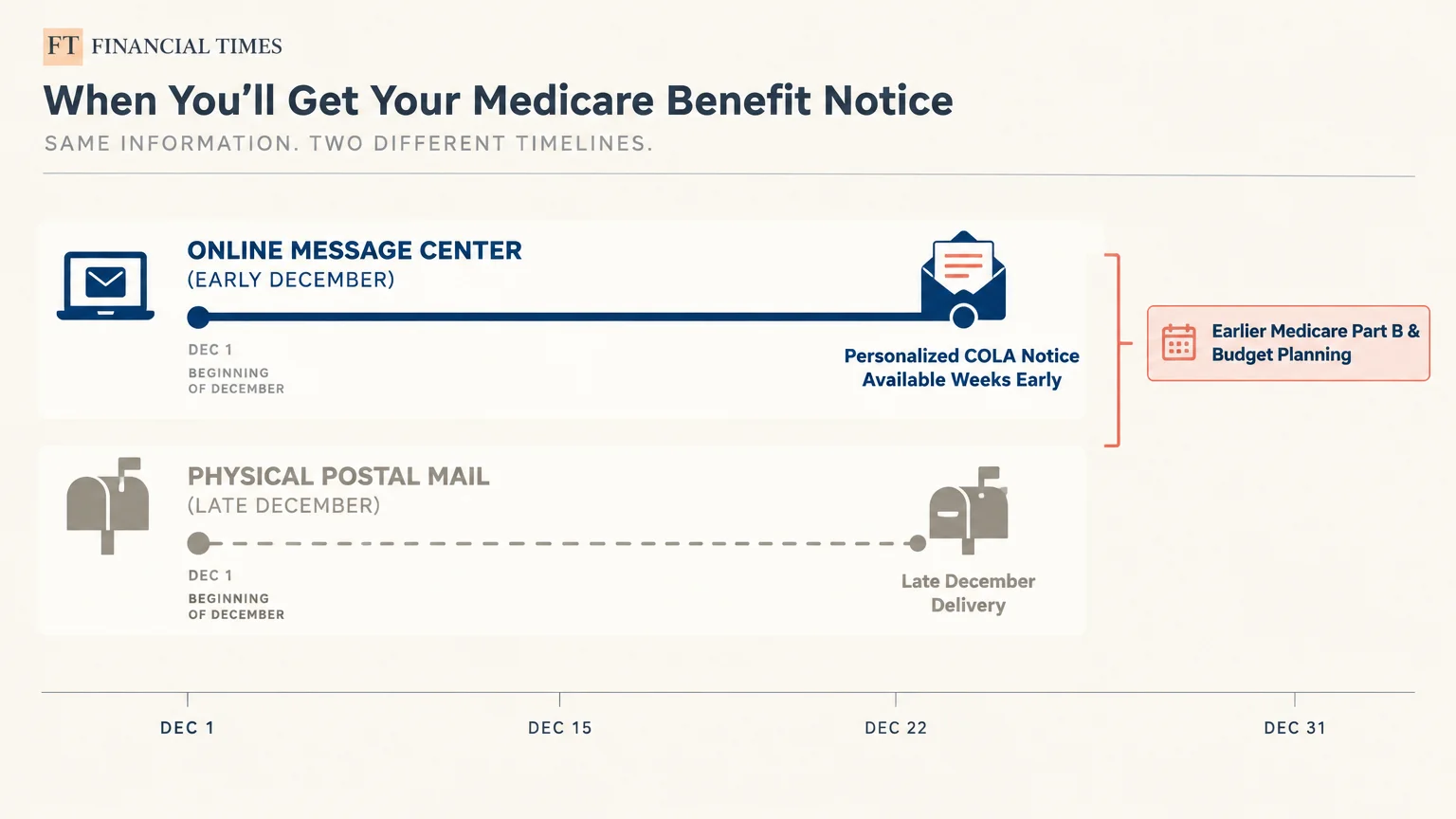
Most seniors wait for paper letters to arrive in their physical mailboxes during late December. However, you can view your exact new benefit amount weeks earlier online.
The SSA posts personalized COLA notices to your online Message Center in early December. This early access allows you to plan your household budget for the upcoming year without guessing.
Viewing your notice early helps you plan for changes in Medicare Part B premiums. Because Medicare deductions affect your net check, knowing your exact deposit in advance is helpful.
To view your notice, log in to your account and open the Message Center tab. You can download and save the official letter directly to your computer.
Here is what you will find inside your digital COLA notice:
- Your new gross monthly benefit amount before any deductions.
- The exact deduction for your Medicare Part B monthly premium.
- Any voluntary federal income tax withholdings you requested.
- Your final net monthly payment deposited into your bank account.

Feature 2: Instant Benefit Verification Letters
Retirees frequently need official proof of their steady income for everyday financial transactions. Lenders, subsidized senior housing managers, and assisted living communities regularly request this documentation.
Requesting this paperwork over the phone often requires a waiting period of 10 to 14 business days. That delay can jeopardize time-sensitive apartment leases or mortgage refinances.
Your online portal generates an official Benefit Verification Letter instantly at any time of day. This downloadable document includes a secure agency seal and a current date stamp.
Third parties accept this digital document as an authentic, legal record of your monthly income. You can print physical copies or email the digital PDF directly to your loan officer.
You can even customize the letter before printing it to protect your sensitive details. The portal allows you to hide your Social Security number or specific benefit dollar amounts if you choose.
When applying for state healthcare assistance through Benefits.gov, this digital letter fulfills income verification requirements immediately. This eliminates unnecessary stress during critical application windows.
Feature 3: Advance Designation of Representative Payees
Life can change quickly due to unexpected illness, serious injury, or cognitive decline. Preparing for potential health events protects your hard-earned benefits from mismanagement or exploitation.
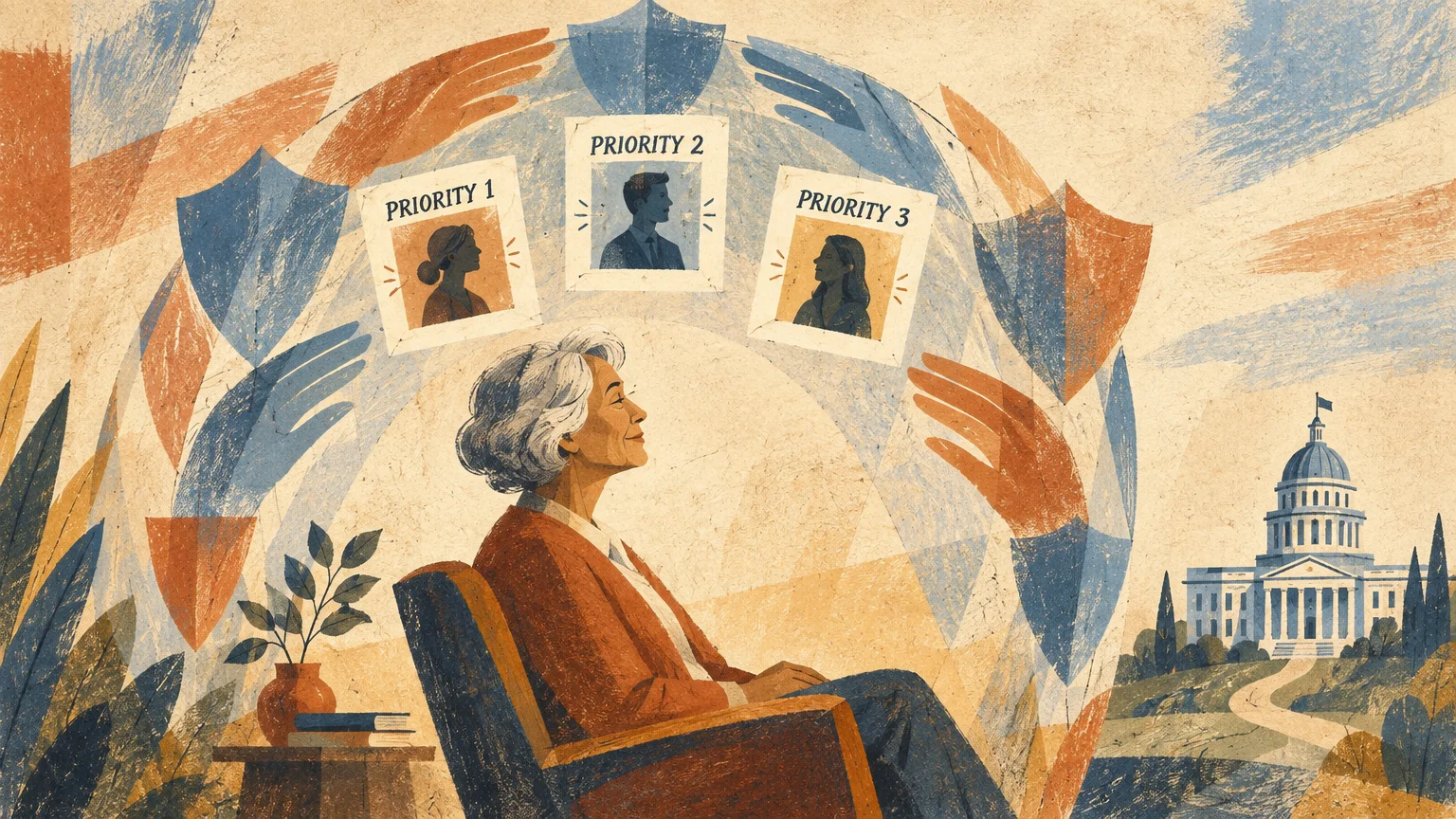
Under the Strengthening Protections for Social Security Beneficiaries Act, you can name potential payees in advance. This tool lets you designate up to three trusted individuals through your portal.
If you ever become unable to manage your payments, the agency contacts your chosen representatives. This process prevents strangers or distant acquaintances from intervening in your finances.
This designation does not give anyone immediate access to your current funds. It only takes effect if qualified medical professionals evaluate you and deem you unable to direct your money.
Consider these essential points when choosing your advance designees:
- Select trusted family members, close friends, or licensed fiduciaries who understand your needs.
- Rank your designees in order of preference so the agency knows whom to contact first.
- Update their mailing addresses and phone numbers regularly within your portal dashboard.
- Discuss your expectations openly with your chosen advocates before submitting their names.
You can review, edit, or remove your selected representatives at any time online. This gives you total flexibility as family relationships and personal circumstances evolve.
Feature 4: Downloadable Replacement Tax Forms (SSA-1099)
Tax preparation can cause unwanted stress, especially when crucial paperwork goes missing in the mail. If you misplace your annual Form SSA-1099 or Form SSA-1042S, do not panic.
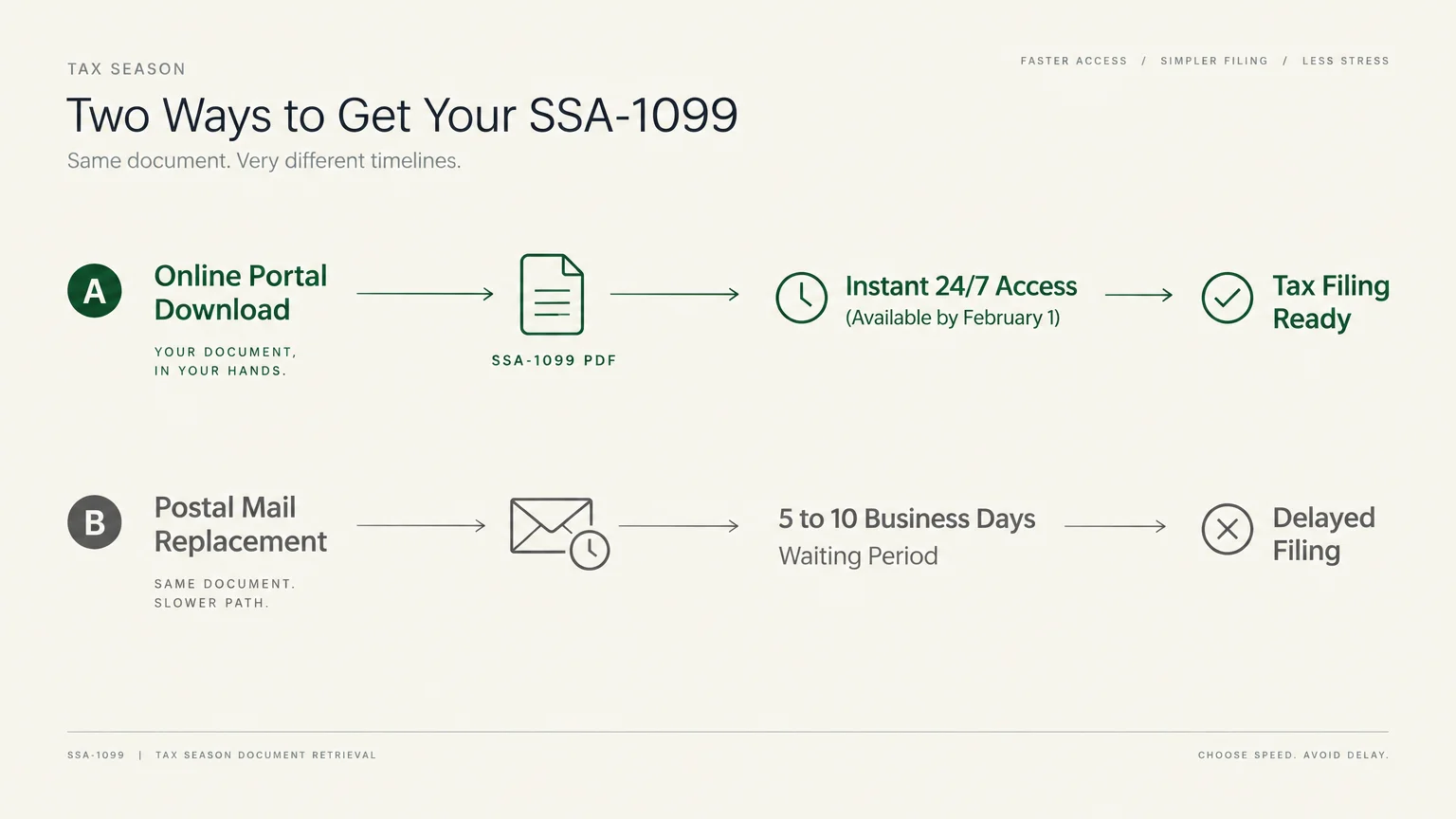
Beginning every January, a replacement copy of your tax form becomes available for instant download in your online account. You do not need to wait for paper reissues or call a local office.
This form summarizes your total gross benefits received and any voluntary federal income tax withholdings. Having instant access allows you or your tax preparer to file your returns on schedule.
Review the form carefully to ensure all withheld taxes match your personal payment history. Storing digital PDF copies on a secure home computer also creates an organized financial archive.
If you notice discrepancies on your statement, contact the agency immediately to request an adjustment. Having digital access makes spotting and resolving tax errors straightforward.
Feature 5: Direct Deposit and Bank Detail Management
Switching your checking account to a new bank or credit union can feel intimidating when relying on fixed monthly payments. Fortunately, your online account lets you update direct deposit details safely.
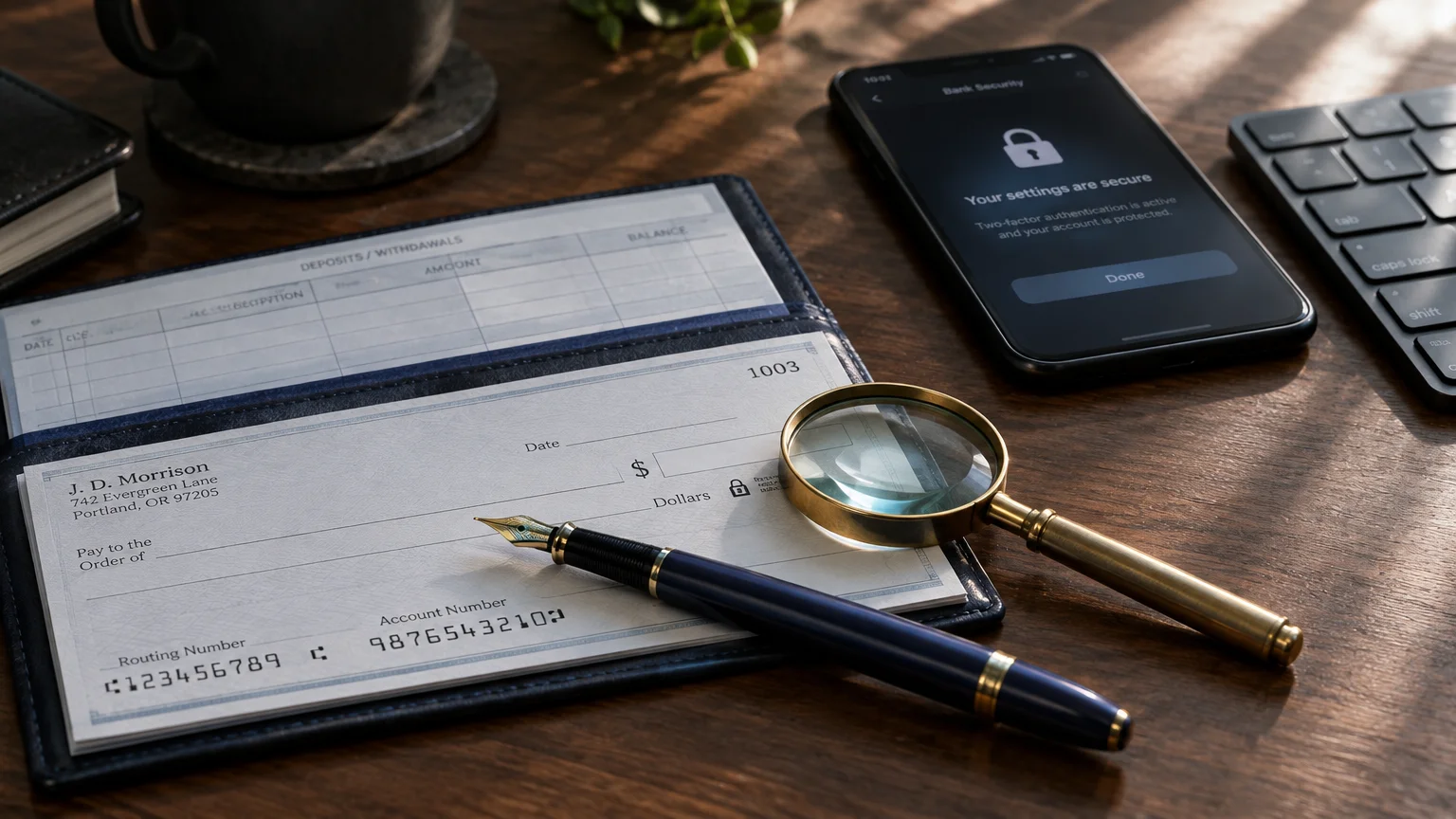
You can input your new routing number and account number directly through the payment settings tab. This instant update prevents postal checks from getting lost or stolen during transit.
However, you must be aware of specific program restrictions. Beneficiaries receiving standard Title II retirement benefits can update their direct deposit and mailing address seamlessly online.
In contrast, Supplemental Security Income (SSI) recipients cannot change their physical address through the online portal. Federal rules require SSI beneficiaries to report address changes directly to agency staff.
Never close your old bank account until your first deposit arrives safely in your new account. This simple precaution guarantees you will not experience an interruption in your monthly income.
Reviewing your direct deposit settings twice each year also helps you detect unauthorized account changes. Prompt detection is your best defense against electronic benefit redirection.
Feature 6: Auditing Your Post-Retirement Earnings Record
Many seniors choose to work part-time or pursue consulting during their retirement years. If you earn wages while receiving benefits, tracking your recorded earnings is critical.
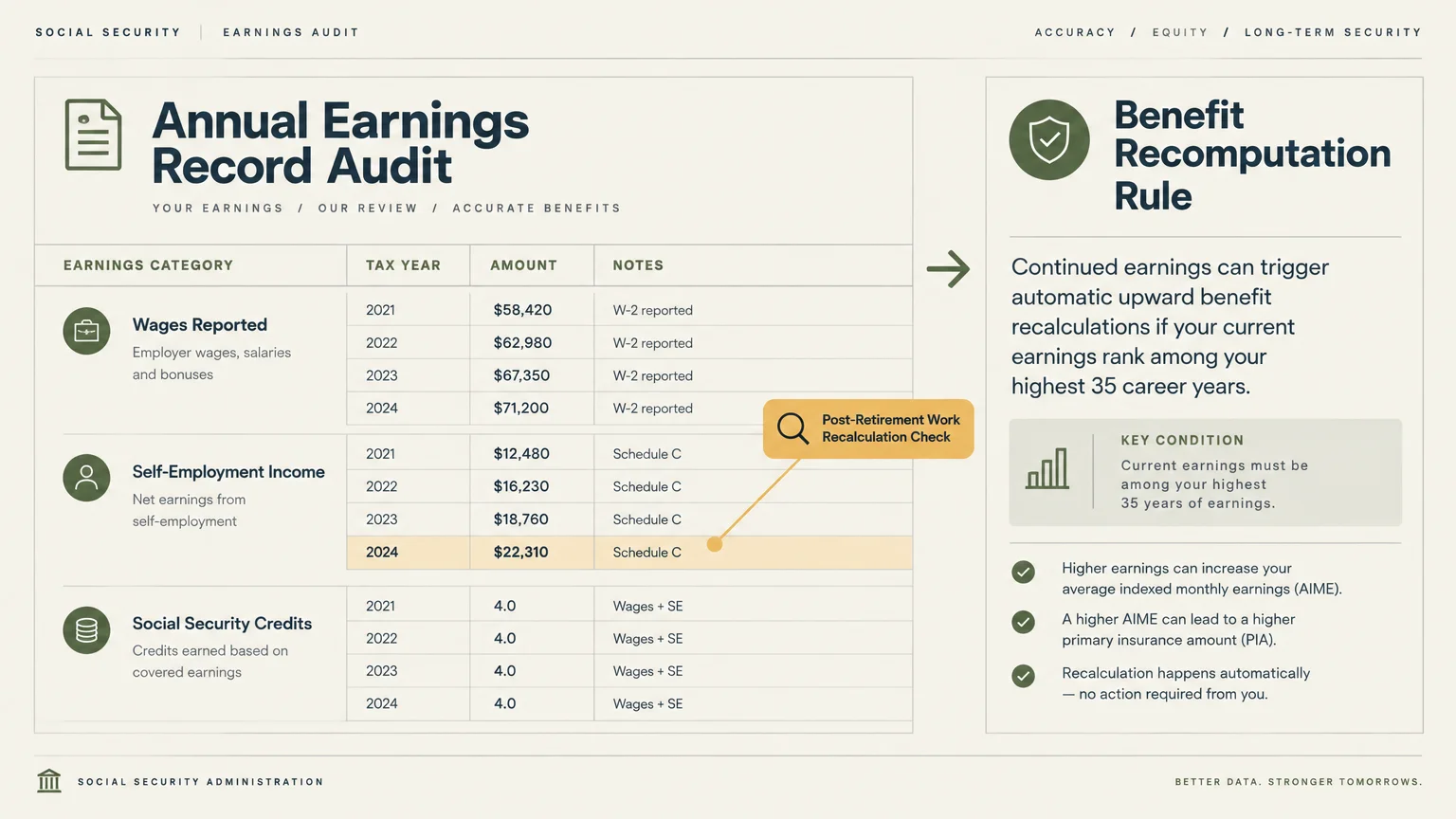
Your online account displays your complete historical earnings record dating back to your very first job. Employers report your wages annually, and the agency uses these numbers to recalculate your payment.
If your recent earnings rank among your top 35 earning years, the agency may automatically increase your monthly benefit. Checking your dashboard ensures your employer reported your accurate income.
Acting quickly is essential if you discover an error on your earnings statement. Under federal regulation 20 CFR § 404.802, a strict time limit applies to wage corrections.
You generally have 3 years, 3 months, and 15 days following the wage year to request an official correction. Keep your annual W-2 forms and tax returns to prove any discrepancies.
Failing to correct an underreported wage statement can permanently reduce your monthly retirement benefit. A quick annual review protects the earnings credits you worked hard to build.
Feature 7: Paperless Preferences and Identity Protection
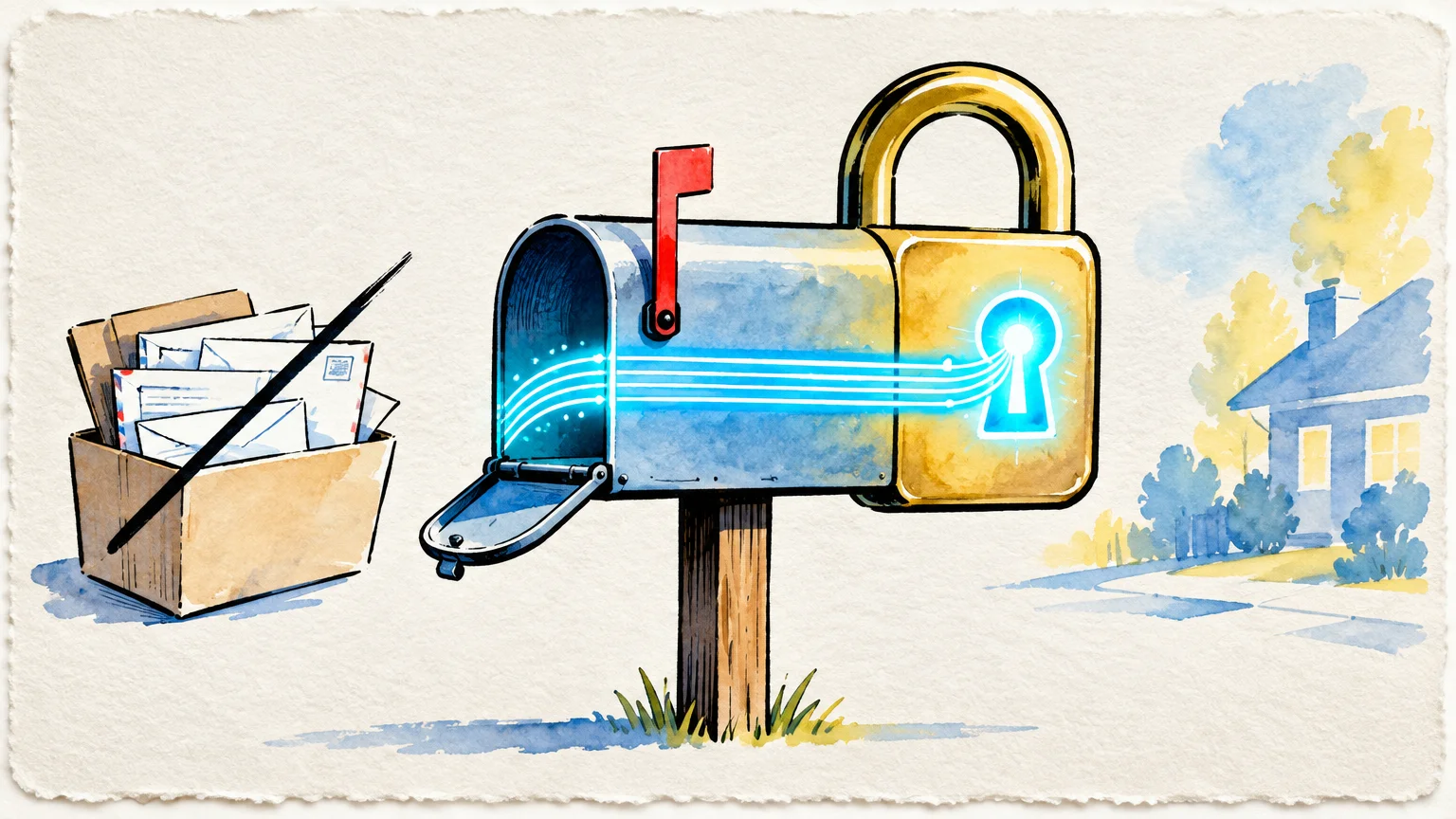
Mail theft remains one of the leading methods thieves use to steal senior identities and sensitive financial data. Physical letters sitting in unsecured curbside mailboxes present an unnecessary risk.
Your online portal features a dedicated Message Center Preferences section. Here, you can opt out of receiving mailed paper notices for annual COLA adjustments and general administrative updates.
When you choose paperless communication, the agency sends you an email or text alert whenever a new document is ready. You then log into your secure account to read the letter.
Going paperless shields your sensitive data from thieves while keeping your home clutter-free. It also ensures you never misplace important correspondence regarding your retirement income.
Switching your notice preferences takes less than two minutes inside your profile settings. It provides an immediate boost to your personal cybersecurity and identity defense.
Navigating Login.gov, ID.me, and Account Access
The Social Security Administration modernized its sign-in procedures to safeguard senior accounts against cyber criminals. Legacy usernames and passwords created prior to September 18, 2021, are now phased out.
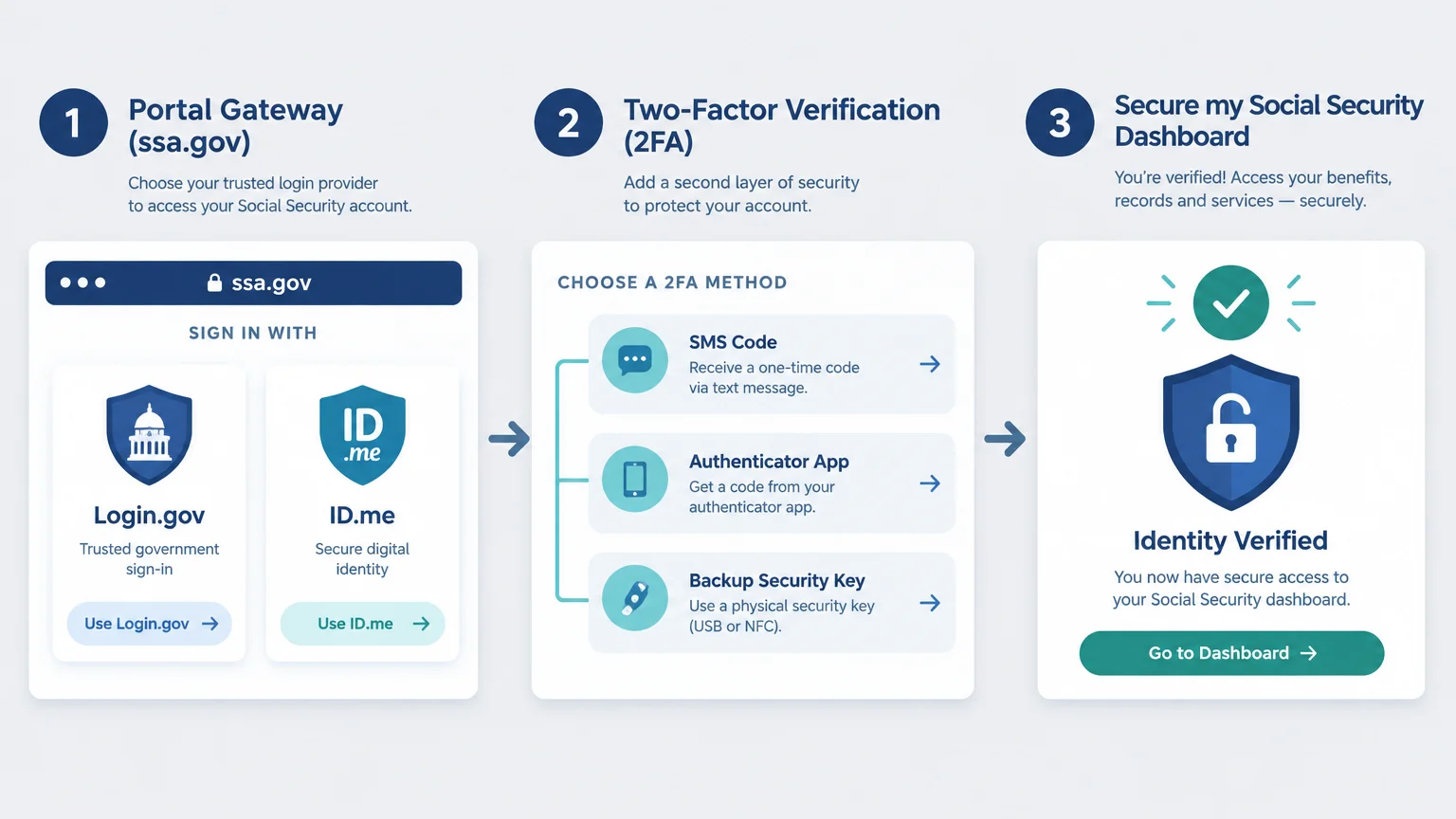
To access your account today, you must sign in through either Login.gov or ID.me. Both credential service providers utilize strict identity verification standards.
Setting up your account requires multi-factor authentication, such as receiving a temporary security code by text or phone call. This security layer prevents unauthorized individuals from accessing your benefits.
According to the Consumer Financial Protection Bureau (CFPB), strong online authentication safeguards retirees from aggressive account takeover scams. Taking a few minutes to verify your credentials protects your lifetime savings.
Follow these steps to ensure a smooth sign-in experience:
- Choose Login.gov or ID.me based on which service you already use for other federal portals.
- Keep your mobile phone nearby to receive your multi-factor verification passcodes quickly.
- Store your master password in a secure password manager rather than writing it on loose paper.
- Save your backup recovery codes in a fireproof safe at home in case you lose access to your primary phone.
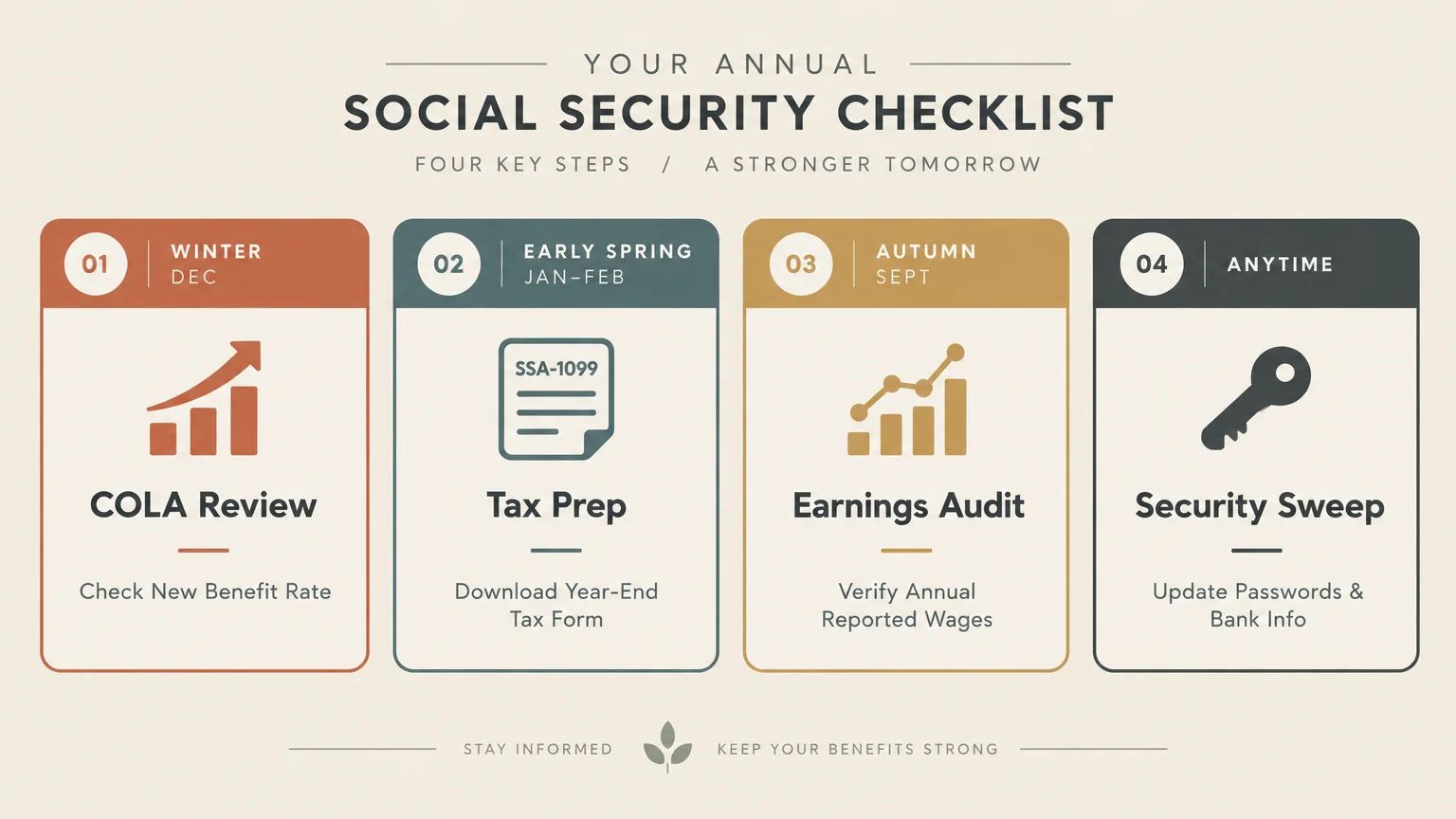
Routine Checklist for Account Maintenance
Establishing a regular maintenance schedule ensures your retirement account remains secure and accurate. Reviewing your profile twice a year takes very little time.
Follow this practical checklist to keep your records in top shape:
- Review your direct deposit routing and account numbers to confirm payment accuracy.
- Examine your Message Center for new COLA notices or administrative updates.
- Verify your listed mailing address and primary telephone number.
- Check your Advance Designation choices to ensure representative contact details are current.
- Inspect your earnings history after filing your annual tax returns.
- Download a fresh copy of your Benefit Verification Letter for personal record-keeping.
Performing these quick checks gives you peace of mind throughout the entire calendar year. You will always know your retirement finances remain protected and up to date.

Online Portal vs. Phone and Field Office Support
Understanding which tasks you can handle online saves you from waiting in crowded field offices or spending hours on telephone hold. Many routine requests take mere minutes inside your portal.
The following table outlines how standard tasks compare between the online portal, telephone customer service, and in-person field office visits.
| Service or Task | my Social Security Account | Phone Support (1-800-772-1213) | Local SSA Field Office |
|---|---|---|---|
| Benefit Verification Letter | Instant 24/7 download | Mailed within 10 to 14 business days | Printed in person after waiting |
| Replacement Form SSA-1099 | Instant download every January | Mailed within 10 business days | Printed in person at service counter |
| Advance Payee Designation | Completed in minutes online | Requires detailed telephone interview | Completed via paper forms in person |
| Direct Deposit Changes (Title II) | Updated instantly online | Completed after identity verification | Updated in person with voided check |
| Address Changes (SSI Recipients) | Not available online | Handled by representative over phone | Handled in person by field staff |
| Earnings Record Audit | View full history instantly | Summary explained over phone | Printed report provided upon request |
Using the portal for routine requests frees up telephone lines for retirees dealing with complex claiming dilemmas. However, visiting a field office remains essential for certain sensitive administrative changes.
Protecting Yourself from Social Security Scams
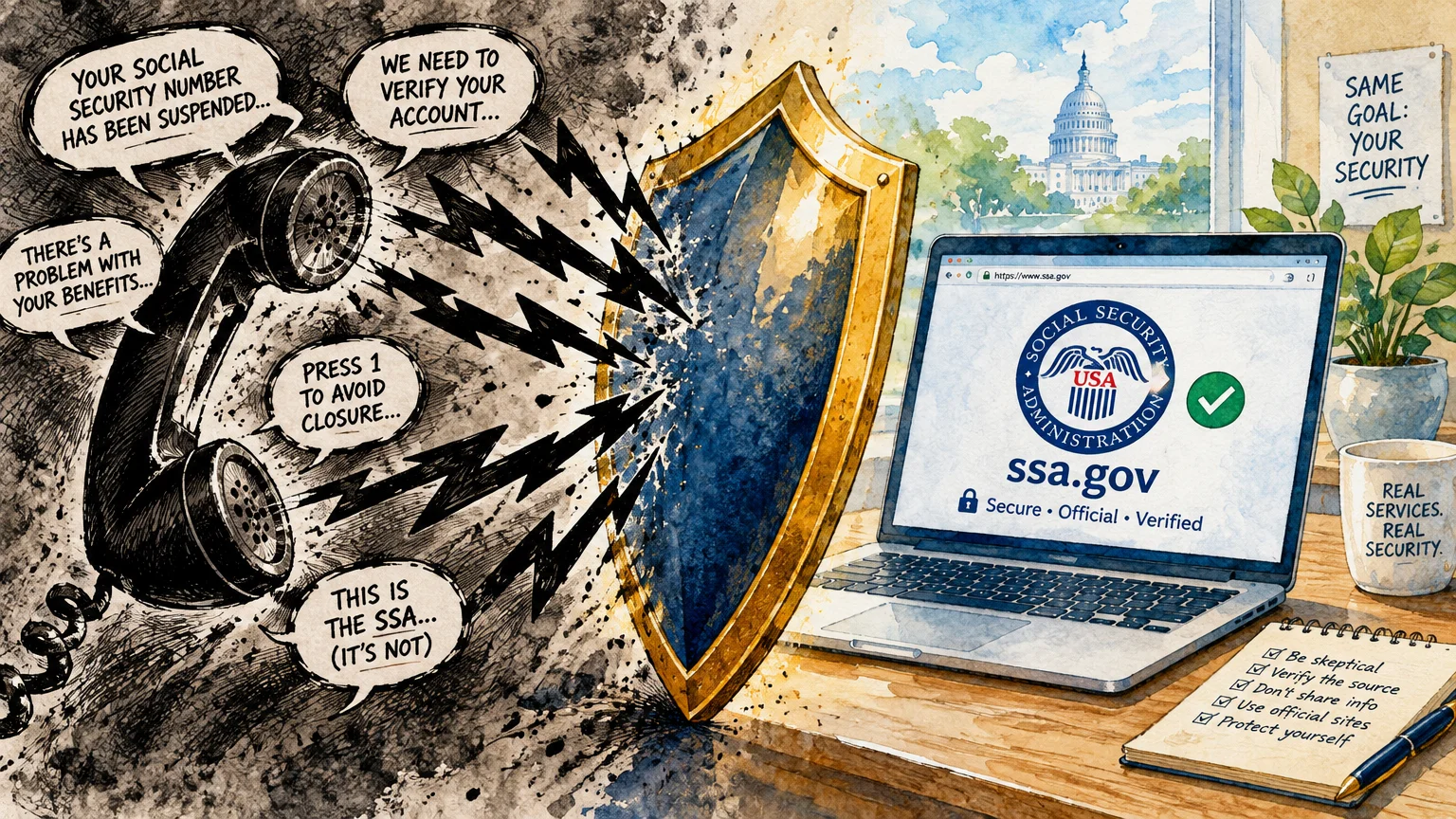
Criminals frequently impersonate government officials to trick seniors into revealing personal information or sending money. Knowing agency communication practices keeps you and your family safe.
The Social Security Administration will never call you to threaten arrest, demand immediate wire transfers, or suspend your benefits. Any caller claiming your number is suspended is an imposter.
If you receive a suspicious email claiming to be from the agency, do not click embedded links. Always navigate directly to the official portal by typing the address yourself.
When coordinating your healthcare choices through Medicare.gov, always verify notices through your authenticated portal. Checking your account directly confirms whether the agency actually requires your attention.
Here are crucial safety habits to protect your monthly benefits:
- Never share your Login.gov or ID.me passwords with anyone over the phone.
- Ignore unsolicited phone calls that demand payment via gift cards, wire transfers, or cryptocurrency.
- Check your online account immediately if you suspect someone has attempted to alter your profile.
- Report fraudulent communication directly to the Social Security Office of the Inspector General.
Frequently Asked Questions
Can I change my direct deposit information online if I receive SSI?
No, you cannot update your direct deposit or physical address online if you receive Supplemental Security Income. SSI recipients must contact their local Social Security office directly to report these changes.
When does my annual COLA notice appear in my online account?
Your personalized COLA notice is typically available in your online Message Center during early December. This digital notice appears several weeks before paper notices arrive in physical mailboxes.
How many representative payees can I name in advance?
You can designate up to three trusted individuals in advance through your online account. The agency will contact them in your ranked order of preference if the need ever arises.
What should I do if my earnings record shows an error?
Gather your tax records, including Form W-2 or self-employment returns, and contact the agency immediately. Under federal regulations, you generally have 3 years, 3 months, and 15 days to correct wage errors.
Do I have to pay a fee to use my online Social Security account?
No, creating and using your online account is completely free. Anyone asking for payment to access or manage your official benefits is attempting to scam you.
For additional senior resources, visit
Eldercare Locator, AARP, Alzheimer’s Association and American Heart Association.
Disclaimer: The information in this article is for educational purposes only and is not intended to be a substitute for professional financial, legal, or medical advice. Always consult with a qualified expert for advice tailored to your personal situation.