
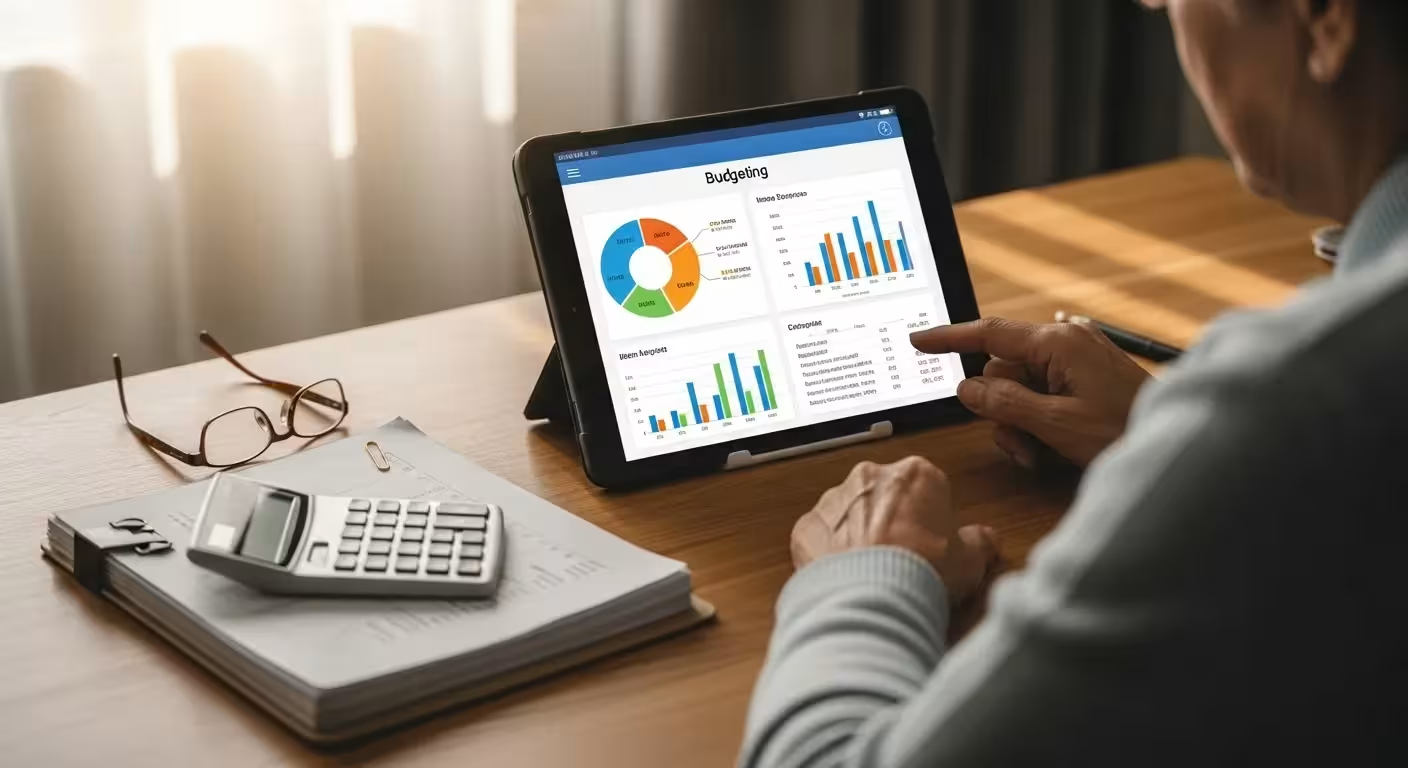
Welcome. Navigating your financial life during retirement presents a unique set of opportunities and challenges. After years of saving and investing, the focus shifts to preserving your assets, managing a fixed income, and making your money last. The good news is that you have more powerful and user-friendly resources at your disposal than ever before. Modern technology, when used wisely, can bring clarity, security, and peace of mind to your financial world.
This guide is designed to introduce you to some of the best financial tools and trackers for seniors. From digital budgeting apps that simplify expense tracking to government portals that demystify your benefits, these resources can empower you to stay in control of your finances. Let’s explore some practical ways to manage your money confidently.
This article is for informational purposes only and is not intended to be financial advice. Please consult with a qualified financial professional for advice tailored to your individual situation.

Embrace a User-Friendly Budgeting App
The ‘Why’: On a fixed income, knowing exactly where your money is going is the foundation of financial wellness. A modern budgeting app automates this process, eliminating the need for shoeboxes of receipts and tedious manual calculations. These money management tools provide a real-time snapshot of your spending, helping you identify potential savings and ensure you’re staying within your retirement budget.
The ‘How’:
- Choose a Senior-Friendly App: Look for platforms known for their simple interface. Empower Personal Dashboard (formerly Personal Capital) is excellent for a high-level view of all your accounts, including investments. YNAB (You Need A Budget) is another popular option that helps you assign a job to every dollar. Many banks also have built-in budgeting trackers within their mobile apps.
- Securely Link Your Accounts: Connect your checking, savings, and credit card accounts. The app will automatically import and categorize your transactions.
- Review and Adjust: Spend 15-20 minutes each week reviewing your spending. You might notice that daily coffee runs or multiple streaming subscriptions are costing more than you realized. This knowledge empowers you to make informed adjustments.

Utilize a Retirement Withdrawal Calculator
The ‘Why’: One of the biggest questions in retirement is, “How much can I safely withdraw from my savings each year?” A retirement withdrawal calculator is an essential tool that helps answer this. It models how different withdrawal rates will affect your portfolio over time, helping you avoid the risk of depleting your nest egg too quickly.
The ‘How’:
- Find a Reputable Calculator: Major financial institutions like Vanguard, Fidelity, and Charles Schwab offer excellent, free calculators on their websites. You don’t need to be a customer to use them.
- Input Your Information: You’ll typically need to enter your current age, planned retirement duration, total portfolio value, and asset allocation (your mix of stocks and bonds).
- Test Different Scenarios: Use the tool to see how a 3%, 4%, or 5% annual withdrawal would impact your long-term financial security. This can help you establish a sustainable withdrawal strategy that aligns with your lifestyle and risk tolerance. Remember, the “4% Rule” is a guideline, not a guarantee, and these tools help you personalize your plan.

Master Your ‘my Social Security’ Account
The ‘Why’: Your Social Security benefit is a cornerstone of your retirement income. The Social Security Administration’s official online portal, ‘my Social Security,’ is a secure and powerful tool that puts you in direct control of your benefits. It is the single source of truth for your earnings history and benefit entitlements.
The ‘How’:
- Create Your Account: If you haven’t already, go to SSA.gov to set up your secure account. You’ll need to verify your identity.
- Check Your Earnings Record: Review your lifetime earnings record for accuracy. An error could reduce your future benefit amount, so it’s critical to correct any mistakes.
- Manage Your Benefits: Once you are receiving benefits, you can use the portal to get a proof of income letter, change your direct deposit information, or get a replacement SSA-1099 tax form for the tax year (e.g., for the 2025 tax season). It’s your personal command center for all things Social Security.

Set Up Automated Bill Pay and Transaction Alerts
The ‘Why’: A simple organizational lapse can lead to a missed payment, resulting in unnecessary late fees and potential dings to your credit score. Automating your regular bills (like utilities, insurance, and mortgage payments) reduces stress and ensures you’re never late. Transaction alerts add a crucial layer of security.
The ‘How’:
- Use Your Bank’s Bill Pay Service: Log into your online banking portal and navigate to the “Bill Pay” section. You can add payees and schedule recurring payments for fixed amounts. For variable bills like electricity, you can often set up auto-pay directly through the utility provider’s website.
- Activate Account Alerts: In your bank and credit card account settings, set up custom alerts. You can ask to be notified via text or email for any transaction over a certain amount (say, $50), when your balance drops below a threshold, or for any online purchase. This is one of the fastest ways to spot fraudulent activity.

Adopt a Password Manager for Financial Security
The ‘Why’: Seniors are frequently targeted by online scammers. Using the same simple password for your email, banking, and investment accounts is a significant security risk. A password manager is a secure digital vault that creates, stores, and fills in unique, complex passwords for every website, making your financial life exponentially safer.
The ‘How’:
- Choose a Reputable Service: Well-regarded password managers include Bitwarden (which has a great free version), 1Password, and LastPass. They use strong encryption to protect your data.
- Start with Your Core Accounts: Begin by adding the logins for your primary email, your main bank, and your primary investment account.
- Use the Password Generator: When changing passwords or signing up for a new service, use the manager’s built-in generator to create a long, random password. You only need to remember one master password—the one to unlock the manager itself.
- Enable Auto-Fill: Once set up, the password manager will automatically fill in your login credentials on websites, which also protects you from fake “phishing” sites.

Schedule Regular Credit Report Reviews
The ‘Why’: Your credit report is a detailed history of your financial life. Reviewing it regularly is like a routine health check-up; it helps you catch problems early. You can spot signs of identity theft (like accounts you don’t recognize), check for reporting errors, and ensure your financial reputation is sound.
The ‘How’:
- Use the Official Free Source: By law, you are entitled to free credit reports from the three major bureaus (Equifax, Experian, and TransUnion). Go to AnnualCreditReport.com—this is the only federally authorized source for your free reports.
- Set a Calendar Reminder: While you can currently access reports weekly, a good habit is to pull one report from a different bureau every four months. This staggers your reviews and gives you a year-round view of your credit.
- Review and Dispute: Look for any accounts, addresses, or credit inquiries you don’t recognize. If you find an error, follow the dispute process outlined on the credit bureau’s website.

Organize Your Life with a Digital Document Vault
The ‘Why’: In an emergency, you or your loved ones will need immediate access to critical documents like your will, trust, power of attorney, insurance policies, and property deeds. A secure digital vault organizes these files in one place, protecting them from physical damage (like a fire or flood) and making them easily accessible when needed.
The ‘How’:
- Scan Your Important Papers: Use a scanner or even your smartphone’s camera to create clear digital copies of your essential financial and legal documents.
- Choose a Secure Storage Location: You can create a dedicated, encrypted folder using a cloud service like Dropbox or Google Drive. For more advanced features, consider a service built for this purpose, sometimes called a “digital legacy” platform.
- Share Access Wisely: The key benefit is the ability to grant access to a trusted person (like your spouse, child, or executor). Be sure to have a conversation with this person, letting them know where to find the information and under what circumstances they should access it.

Use a Simple Spreadsheet for RMD Tracking
The ‘Why’: Once you reach the required age, you must take Required Minimum Distributions (RMDs) from your tax-deferred retirement accounts, such as traditional IRAs and 401(k)s. As of August 2025, this age is 73 for many individuals. Failing to take the correct RMD amount results in a significant tax penalty. A simple spreadsheet is a fantastic senior finance software solution for tracking this.
The ‘How’:
- Create a Simple Tracker: Open Microsoft Excel or Google Sheets. Create columns for: Account Type (e.g., Traditional IRA), Account Value on Dec. 31 of the previous year, the IRS Uniform Lifetime Table factor for your age, and the Calculated RMD for the current year.
- Calculate Your RMD: Your RMD is generally calculated by taking the account balance from the end of the previous year and dividing it by the distribution period factor from the IRS’s table. Your financial institution will often calculate this for you, but tracking it yourself provides a valuable cross-check.
- Track Your Withdrawals: Add a column to note the date and amount of each withdrawal you take toward your RMD for the year. This ensures you meet the full requirement by the December 31 deadline.
For expert guidance on senior health and finance, visit Eldercare Locator, AARP, Alzheimer’s Association and American Heart Association.
|
Fact-Checked Content
Our editorial team reviews all content for accuracy and updates it regularly. Learn about our editorial process →
|









Leave a Reply